X (Twitter) Image Resizer (FREE TOOL)
Drop an image, pick an X size, and download it at the exact pixels. It runs in your browser.
Upload photo
Size
One image in a post. X shows it whole, with nothing to tap open.
Fill the frame
Format
—
— —

Built and checked by Marián Cabadaj, Co-founder, COO & CFO, Selzee. Last checked September 2026.
What the sizes here come from
X developer docs, media best practices for the 5 MB limit on a still image, 15 MB on an animated GIF, and the JPG, PNG, GIF and WEBP types.
Buffer's social media image size guide for the 1600 x 900, 1080 x 1080, 1080 x 1350 and 1500 x 500 sizes, updated May 2026. X does not publish one table of post sizes.
The examples on this page were made by the same code the tool runs.
The short answer
- An X image resizer puts an image into one of the sizes X shows, so X does not crop it in the timeline.
- Use 1600 x 900 (16:9) for one image in a post. X shows it whole, with nothing to tap open.
- Use 1080 x 1080 when you post two or four images together, because X shows them as tiles.
- Use 1500 x 500 for the profile header. Keep every image under 5 MB, the limit X sets for a still image (X developer docs).
Get Selzee's guides in your Google results.
Add Selzee as a preferred sourceEvery X size the tool makes
| Size in pixels | Shape | Use it for | |
|---|---|---|---|
| Post 16:9 | 1600 x 900 | 16:9 | One image in a post. X shows it whole in the timeline, on desktop and on a phone. |
| Square | 1080 x 1080 | 1:1 | Two or four images in one post. X shows them as tiles, and a square loses the least. |
| Portrait 4:5 | 1080 x 1350 | 4:5 | The Instagram shape. X shows it cropped in the timeline until someone taps it. |
| Header | 1500 x 500 | 3:1 | The profile header. Your profile photo covers part of the bottom left. |
Sources: X developer docs and Buffer's size guide. For every other network, see the social media image size checker. Verified 2026-09-30.
Four posts, before and after
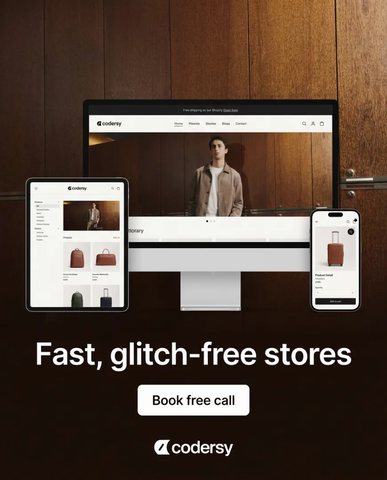
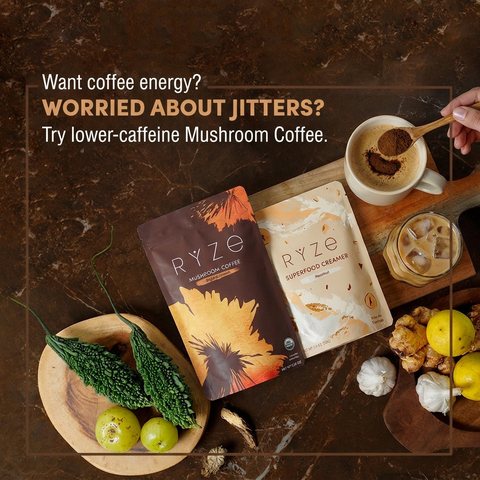
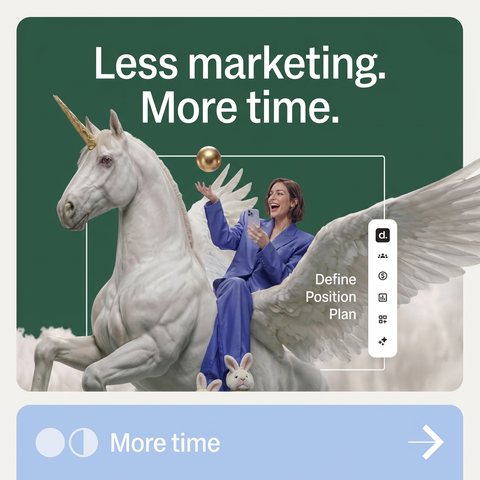
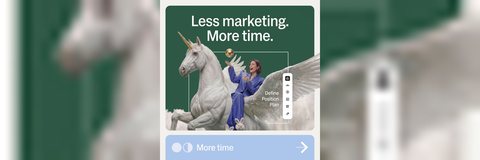
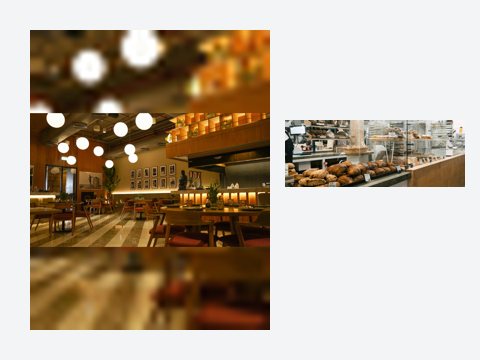
Four ads made with Selzee, each put into a different X size. Three use Fit, so no word of the ad is lost. One uses Crop. For Facebook sizes, use the Facebook image resizer.



How to resize an image for X
-
Drop your image
Choose a file, drag it onto the box or paste a screenshot. JPG, PNG, WEBP and GIF all work. Your browser reads it. It is never uploaded.
-
Pick the X size
Post 16:9 is selected first. Switch to Square, Portrait 4:5 or Header, and the preview redraws at the real size. The line under it says how big the file is.
-
Crop or fit, then download
Crop fills the frame, and you drag the image to choose what stays. Fit keeps the whole image on a blurred copy or a colour. Then download a JPG or a PNG.
Crop or fit: the one choice that matters
Crop makes the image big enough to cover the whole frame and cuts off what hangs over the edge. The post is full bleed. Use it for a photo with space around the subject.
Fit makes the image small enough to sit whole inside the frame and fills the empty band. Use it for anything with words near the edge, such as an ad, a screenshot or a slide. A crop would cut the letters.
A PNG of a photo can be several times bigger than a JPG. If the file line turns red, the file is over 5 MB and X will refuse it. Switch to JPG.
Frequently asked questions
What size should an image for X be?
Why does X crop my portrait image?
What size is an X header?
What is the maximum image file size on X?
Is it Twitter or X?
Is my image uploaded anywhere?
Keep exploring
Free Facebook image resizer. Pick feed, square, link, story or cover, fit the whole photo or crop it, and download a JPG or PNG at the exact size. Nothing is uploaded.
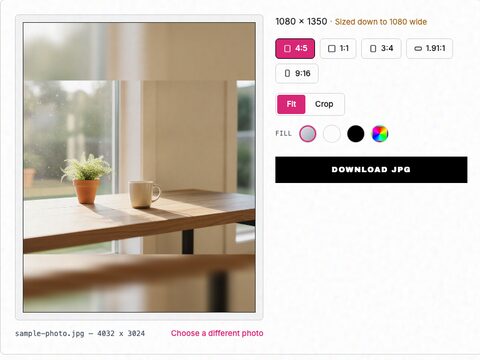
Free Instagram image resizer. Pick 1:1, 4:5, 3:4, 1.91:1 or 9:16, fit the whole photo or crop it, and download it at the exact size Instagram keeps.
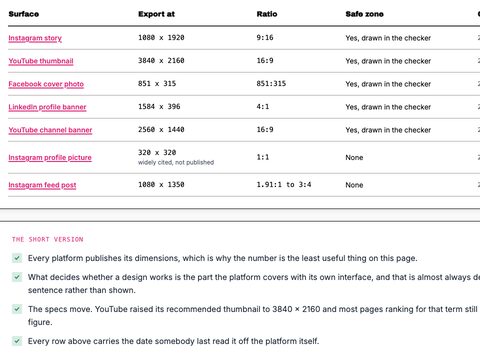
Every surface in one table, each figure dated against the platform own page, with a checker per surface.
Calculate your Twitter or X engagement rate by followers and by impressions, graded against the published average.
Or skip the resizing entirely
Drop your URL and Selzee researches your brand, your reviews and the ads your competitors run, then makes on-brand ads for you, like the four above.
Get started for free