The Google Ads Transparency Center, and How to Get Competitor Research Out of It
The Google Ads Transparency Center is a free public archive of the ads running on Google, covering verified advertisers across Search, Play, Maps, Shopping and YouTube. It is the only place to read a competitor's Search copy without guessing. This page shows five real ads pulled out of it, the exact route to find any advertiser, and the eight things Google publishes about what is in there and what is not.
 Marián Cabadaj
10 min read
Marián Cabadaj
10 min read
Five Ads Pulled Out of the Archive Today
Each one was found by typing the brand's domain into the Ads Transparency Center on the day this page was written, and each card links back to its archive entry. Read the advertiser name under each: it is a legal entity, and on the last one it is not the brand at all.
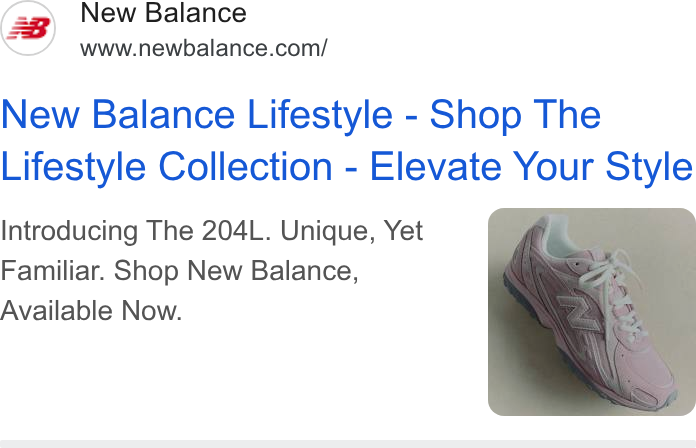
A launch, argued in two lines
Introducing The 204L. Unique, Yet Familiar. A sneaker launch gets about ninety characters here and spends them on the model number and a contradiction, with the shoe itself carried by the image extension. This is the level of detail a Meta creative never shows you, because on Search the argument has to survive without a picture.
Verified advertiser: New Balance Athletic Shoe, Inc.
See it in the Google Ads Transparency Center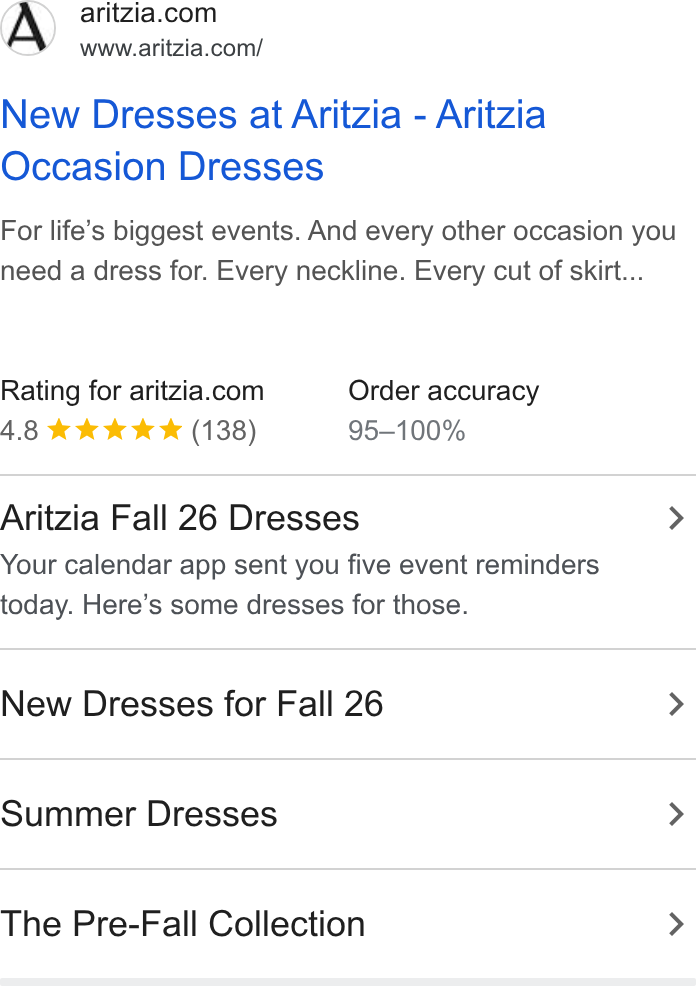
Seller rating doing the persuading
The unit carries a 4.8 rating from 138 reviews and an order accuracy band, both pulled in by Google rather than written by the advertiser. Then a sitelink does something a brand rarely risks on Search: your calendar app sent you five event reminders today, here are some dresses for those. That is a voice, inside an ad format most brands treat as a form.
Verified advertiser: Aritzia LP
See it in the Google Ads Transparency Center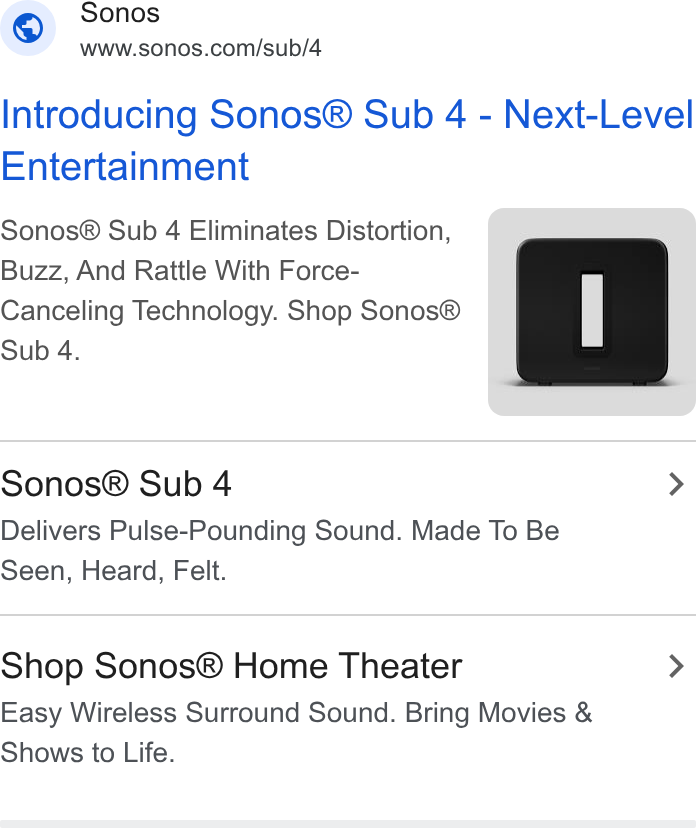
Mechanism in the description
Eliminates distortion, buzz and rattle with force-cancelling technology. The description names the failure mode before it names the fix, which is the mechanism move, and it lands harder on Search than in a feed because the reader is already looking for a subwoofer.
Verified advertiser: Sonos, Inc.
See it in the Google Ads Transparency Center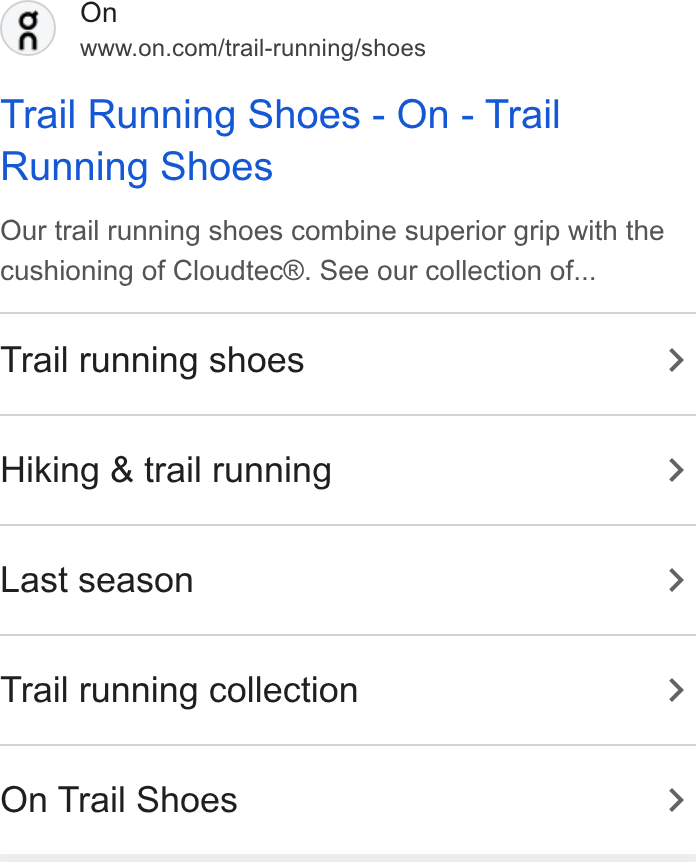
Category page, not brand page
The destination is a category page and the five sitelinks split it further, down to one that reads Last season. Read two ads from one advertiser like this and you are reading their keyword themes, which is the closest thing to a free look at somebody else's Search account.
Verified advertiser: On AG
See it in the Google Ads Transparency Center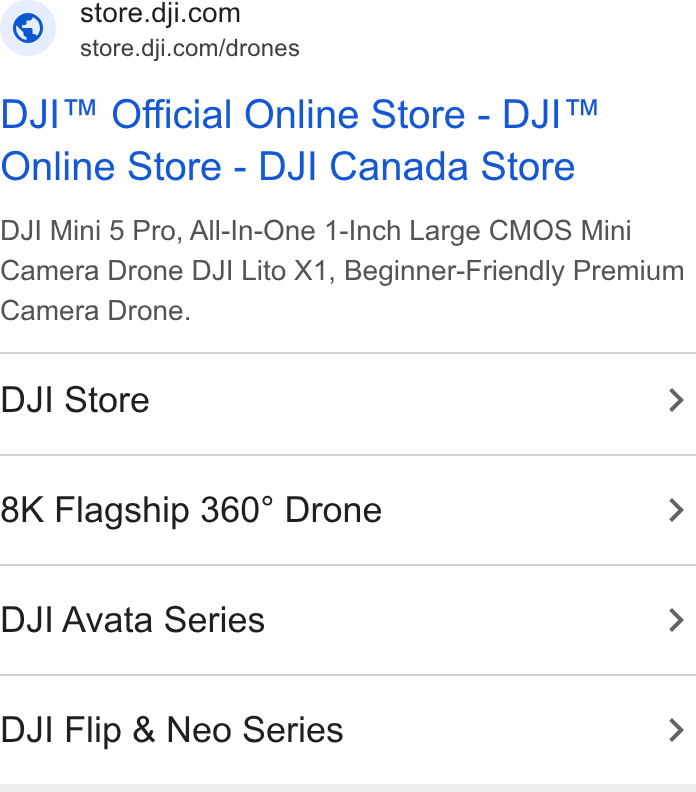
Not the brand
The ad reads as the official DJI store, down to sitelinks for the Avata and Flip series. The verified advertiser on the record is a different company. This is the best argument on the page for searching the domain rather than the brand name, and for reading the advertiser line on every result before you conclude anything about a competitor.
Verified advertiser: IFLIGHT TECHNOLOGY COMPANY LIMITED
See it in the Google Ads Transparency CenterOur articles are still written by HUMANS! Get human written articles in your Google feed.
Add as preferred sourceKey takeaways
- Free, public and needs no advertising account. Your own Google ads are equally visible to your competitors.
- Search the domain rather than the brand name. Advertiser records carry legal entity names, and a domain search also surfaces the resellers, affiliates and rival manufacturers bidding on the same site.
- Ads are kept for one year from the day they last ran, so a paused campaign is on a one year clock.
- Responsive ads show up to five variations, which is a sample of what the account is testing rather than the whole set.
- No spend, clicks or conversions anywhere. Impression ranges exist in Europe and on political ads, on a 90 day delay.
What Google Publishes About the Archive, and What It Means for Research
Every figure in the middle column comes from Google's own FAQ for the Ads Transparency Center. The right-hand column is what each one costs or gives you when you are reading a competitor.
| Field | What Google publishes | What it means in practice |
|---|---|---|
| Which ads | Ads from verified advertisers served across Search, Play, Maps, Shopping and YouTube. Unverified advertisers are included in Europe and Türkiye. | Everything a competitor runs on Google in one place, but an advertiser who has not completed verification will not appear at all outside Europe. |
| How long | One year from the date the ad was last displayed. Election ads run to seven years where political advertising is supported. | A rolling year, so a seasonal campaign from two years ago is gone. Screenshot anything you want to keep. |
| How many versions | Up to five common variations of an ad. | You are seeing a sample of a responsive ad, not the full set of headlines and descriptions the account is testing. |
| How fresh | It can take 48 to 72 hours after an ad runs for it to appear. | Fine for reading strategy, useless for catching a launch on the day. |
| Impressions | Impression ranges only, published after a 90 day delay, and only from March 2023 onwards. | The only performance-shaped number in the archive, and it is three months stale by design. |
| Europe and Türkiye | Ads shown there carry extra information, including the topic of the ad and more audience selection detail. | A competitor running in the EEA is a far richer subject than the same competitor running only in the US. |
| Who is named | The advertiser, not the agency that made the ad, plus the payer when the payer name differs. | The name on the record is a legal entity, and sometimes a different company altogether: an ad presenting as the DJI store is paid for by iFlight Technology. |
| Landing pages | Ads are not clickable. Google states the archive is not intended for landing page verification. | You read the ad here and open the destination yourself, which also keeps you out of a competitor's click data. |
Read the source before you plan around any of it: Google changes the archive, and the impression-range rules in particular have moved twice since it opened in 2023. Checked at the linked sources on 17 September 2026.
How to Search It Properly
-
1
Search the domain, not the brand name
Type the competitor's website rather than their company name. A domain search returns every advertiser account pointing at that site, which is how you find the resellers, affiliates and agency accounts running alongside the brand. Searching the brand name returns only accounts registered under it.
-
2
Set the region before you read anything
The archive is filtered by serving region, and the same advertiser looks like a different business in two markets. If the competitor runs in the EEA, read them there: those ads carry the topic and audience detail that US entries do not.
-
3
Filter by format to separate the accounts
Search, video and display are three different budgets with three different jobs. The format filter splits them, and the split usually tells you which channel the advertiser actually believes in.
-
4
Read two ads from one advertiser side by side
One ad is a headline. Two ads from the same account are keyword themes, and four are a plan. That comparison is the single most useful thing in the archive and it costs nothing.
-
5
Save what matters on the day you find it
Entries drop out a year after an ad last ran, and a paused campaign starts that clock immediately. Screenshot the creative and keep the permalink, because the permalink will outlive neither the ad nor your memory of why it mattered.
Where the Archive Stops and Your Own Customers Start
Every fact in the table above comes from Google's own FAQ for the Ads Transparency Center, and the archive itself is at adstransparency.google.com. Google announced it in 2023 as a transparency product rather than a research one, which explains both its reach and its silences: it will show you every surface a competitor buys on, and never a number that would let you rank yourself against them.
So use it for the thing it is uniquely good at, which is reading the argument. Two ads from one advertiser show you their keyword themes. Five show you which objections they have decided are worth spending a description on. What no archive holds is the other half of the job: why any of it worked. That comes from your own reviews, comments and results, and it is the half that decides what you should say instead. The same reading applies to the other libraries, and competitor ad analysis covers doing it across all of them, while the business ad library guide is the Meta-side equivalent of this page.
One more caution about copying what you find. The ads in any archive are answers to the stage a category was in when they were written, so a competitor's best Search headline is a description of last quarter. Market sophistication is the frame for deciding whether that argument still has anywhere to go, and the free ad spy tools roundup lists what else is public before anybody pays for a subscription.
Four Things It Will Not Tell You
-
It shows you the ad, never the account
No spend, no click-through rate, no conversion data, no keywords and no bids. The archive exists for transparency, not for competitive benchmarking, and everything beyond impression ranges in Europe is inference.
-
Responsive ads only show up to five variations
A Search campaign may be testing fifteen headlines against four descriptions. You see a sample, so treating the five you can read as the full creative set will mislead you about how much they are testing.
-
A missing competitor may simply be unverified
An advertiser who has not completed verification does not appear outside Europe and Türkiye, and nor does one who has served no ads in 365 days. Absence is not evidence.
-
The advertiser name is a legal entity
Agencies are not named, payers are named separately when they differ, and the operating company behind a brand often carries a name nobody outside the business would recognise. Search the domain and the problem disappears.
Reading the Ads Is the Easy Half
An afternoon in three public archives gives you every argument your competitors are making. It gives you nothing about which of them your own buyers would answer. Selzee reads your reviews, comments and past results, finds the questions and objections your customers actually raise, and turns them into the next set of concepts your team can make this week.
Google Ads Transparency Center: FAQ
01 What is the Google Ads Transparency Center? +
A free public archive of the ads running on Google. It covers ads from verified advertisers across Search, Play, Maps, Shopping and YouTube, and keeps each one for a year from the last day it was displayed. You can search by advertiser or by website, filter by region, date and format, and open any individual ad on its own page.
02 How do I find a competitor's Google ads? +
Search their website domain rather than their company name, set the serving region, and filter by format. The domain search returns every advertiser account pointing at that site, including resellers and affiliates, which the brand-name search will miss.
03 Does the Ads Transparency Center show how much a competitor spends? +
No. There is no spend, click or conversion data anywhere in it. Ads shown in Europe and Türkiye and political ads carry impression ranges, published after a 90 day delay and only from March 2023 onwards, and that is the closest thing to a performance figure in the archive.
04 How long do ads stay in the Ads Transparency Center? +
One year from the date the ad was last displayed, and up to seven years for election ads in regions where political advertising is supported. That means a paused campaign starts a one year clock, so anything worth keeping should be screenshotted when you find it.
05 Why can I not find a particular advertiser? +
Either they have not completed Google's advertiser verification, which is required to appear outside Europe and Türkiye, or they have served no ads in the last 365 days. New ads also take 48 to 72 hours to appear, so a campaign launched this morning will not be there yet.
06 Is the Google Ads Transparency Center the same as the Meta Ad Library? +
Same idea, different surfaces and different detail. Google covers Search, Play, Maps, Shopping and YouTube, and shows up to five variations of a responsive ad. The Meta and LinkedIn libraries cover their own feeds. Anyone researching a competitor properly opens all three, because most advertisers say different things in each.
07 Can I click through to the landing page from an ad? +
No. Google states the archive is not intended for landing page verification, and the clickable behaviour that used to exist in some ads was an unintended result of an older rendering technology. Copy the destination domain and open it yourself.
The archive shows you what everyone else decided to say. Selzee builds the next set of concepts out of what your own customers have already told you.
Get started for freeKeep exploring: the Meta business ad library guide, the LinkedIn Ad Library, competitor ad analysis, free ad spy tools.