Facebook Image Resizer (FREE TOOL)
Drop a photo, pick a Facebook size, and download it at the exact pixels. It runs in your browser.
Upload photo
Size
Takes the most room in the feed, and the same file posts to Instagram.
Fill the frame
Format
—
— —

Built and checked by Marián Cabadaj, Co-founder, COO & CFO, Selzee. Last checked September 2026.
What the sizes here come from
Meta's image ads guide for the 4:5 and 1:1 feed shapes, and the 1440 x 1800 Meta now lists for paid ads.
Meta's story ads guide for the 9:16 story shape.
Meta's sharing guide for websites for the 1200 x 630 link image.
Facebook Help Center, cover photo sizes for the 851 x 315 cover and the middle 640 x 312 that desktop and phones both show.
The examples on this page were made by the same code the tool runs.
The short answer
- A Facebook image resizer puts a photo into one of the sizes Facebook shows, so Facebook does not crop it for you.
- Use 1080 x 1350 (4:5) for a feed post. It takes the most room in the feed, and the same file works on Instagram.
- Use 1080 x 1080 for a square post, 1200 x 630 for a link preview and 1080 x 1920 for a story.
- A page cover is 851 x 315. Keep text and faces in the middle 640 x 312, because desktop and phones cut the edges differently (Facebook Help Center).
Get Selzee's guides in your Google results.
Add Selzee as a preferred sourceEvery Facebook size the tool makes
| Size in pixels | Shape | Use it for | |
|---|---|---|---|
| Feed 4:5 | 1080 x 1350 | 4:5 | Most feed posts. It takes the most room on a phone, and the same file posts to Instagram. |
| Square | 1080 x 1080 | 1:1 | A feed post that is safe everywhere, but a little smaller than 4:5 on a phone. |
| Link | 1200 x 630 | 1.91:1 | The picture on a shared link. Keep words away from the edges. |
| Story | 1080 x 1920 | 9:16 | A full-screen story. Keep text away from the top and the bottom. |
| Cover | 851 x 315 | 2.7:1 | A page cover. Keep text and faces in the middle 640 x 312. |
Sources: Meta's image ads guide, story ads guide, sharing guide for websites and Facebook Help Center. For every other network, see the social media image size checker. Verified 2026-09-30.
Four photos, before and after
Four real photos, each put into a different Facebook size. Two use Fit and two use Crop, so you can see what each one keeps. For a cover with text, check the result with the Facebook cover photo size checker.
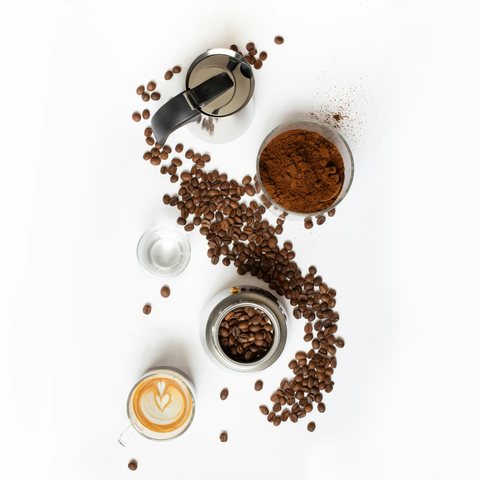
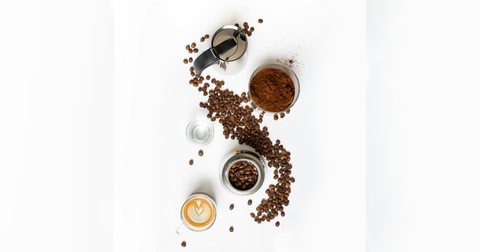


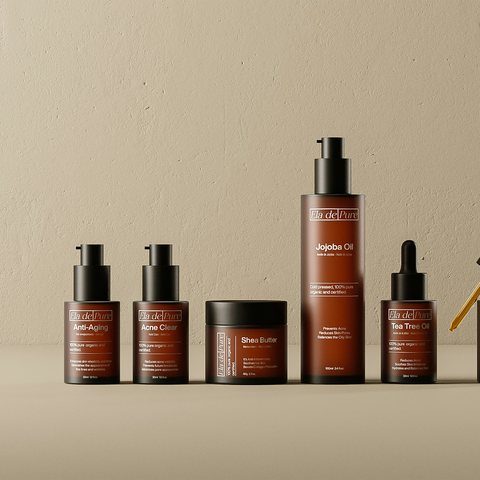
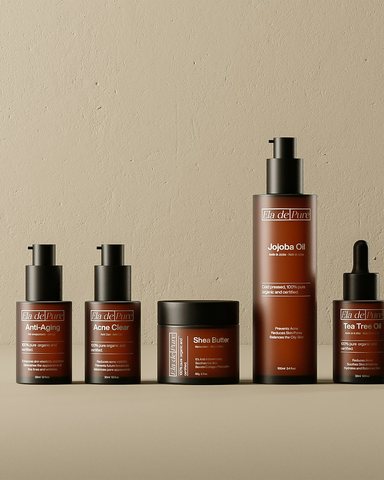


How to resize an image for Facebook
-
Drop your image
Choose a file, drag it onto the box or paste a screenshot. Your browser reads it. It is never uploaded.
-
Pick the Facebook size
Feed 4:5 is selected first. Switch to Square, Link, Story or Cover, and the preview redraws at the real size. The line above the sizes says how much a crop cuts.
-
Crop or fit, then download
Crop fills the frame, and you drag the photo to choose what stays. Fit keeps the whole photo on a blurred copy or a colour. Then download a JPG or a PNG.
Crop or fit: the one choice that matters
Crop makes the photo big enough to cover the whole frame and cuts off what hangs over the edge. The post is full bleed. Use it for a photo with space around the subject.
Fit makes the photo small enough to sit whole inside the frame and fills the empty band. Use it for anything with words near the edge, such as a designed post, a screenshot or a slide. A crop would cut the letters.
A photo smaller than the Facebook size is enlarged to it, and the tool says so. An enlarged photo can look soft, so start from the largest copy you have.
Frequently asked questions
What size should a Facebook post image be?
What size is a Facebook cover photo?
What size is a Facebook link preview image?
How do I fit a whole photo into a Facebook post without cropping?
Is the same image fine for Facebook and Instagram?
Is my image uploaded anywhere?
Keep exploring
Facebook crops covers differently on desktop and mobile. See both crops and the area that survives them. Nothing is uploaded.
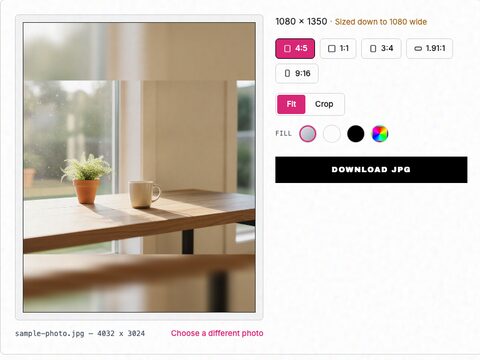
Free Instagram image resizer. Pick 1:1, 4:5, 3:4, 1.91:1 or 9:16, fit the whole photo or crop it, and download it at the exact size Instagram keeps.
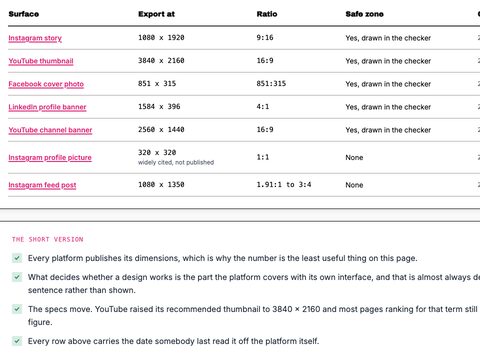
Every surface in one table, each figure dated against the platform own page, with a checker per surface.
Enter your product and audience, get 3 to 5 ready-to-use Facebook ad variations with hooks, primary text, and headlines.
Or skip the resizing entirely
Drop your URL and Selzee researches your brand, your reviews and the ads your competitors run on Facebook, then makes posts at the right size, in your colours.
Get started for free