









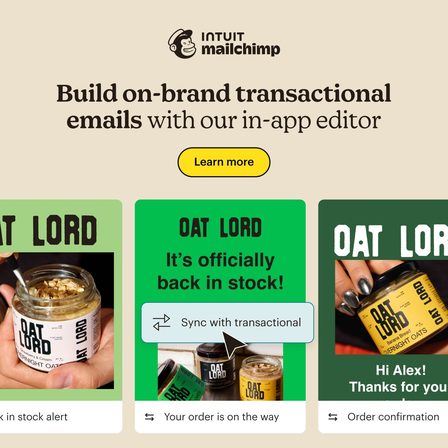




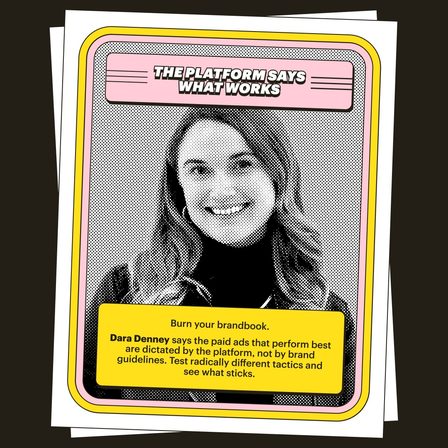
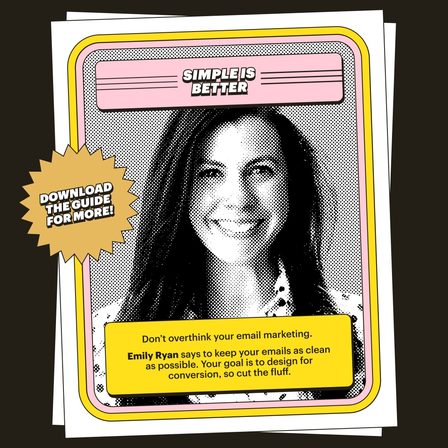



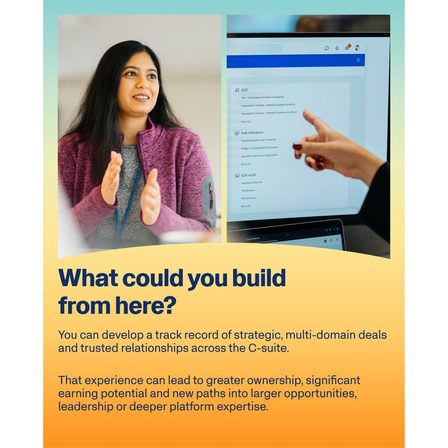
Carousel ad examples

Carousel Ad Examples: 9 Real Carousels, Read Frame by Frame

Most carousel roundups show you the first frame and describe the rest, which hides the only part worth studying. These nine are shown whole, all 44 frames in the order they were served, harvested from the public LinkedIn Ad Library on 14 September 2026. Swipe each one, then read what the sequence is doing. Below the gallery are the six structures they sort into and the four mistakes that make a carousel an expensive single image.

Nine real carousel ads, every frame

Scroll each strip sideways to read the ad the way it was served. The quoted line under each strip is the hook as it is set inside the creative.

Mailchimp 5 frames
  1. Mailchimp carousel ad, frame 1 of 5

    Frame 1

  2. Mailchimp carousel ad, frame 2 of 5

    Frame 2

  3. Mailchimp carousel ad, frame 3 of 5

    Frame 3

  4. Mailchimp carousel ad, frame 4 of 5

    Frame 4

  5. Mailchimp carousel ad, frame 5 of 5

    Frame 5

Contradiction, then three numbers, then the fix

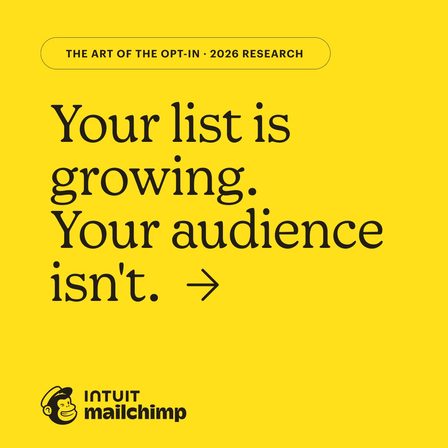
Your list is growing. Your audience is not.

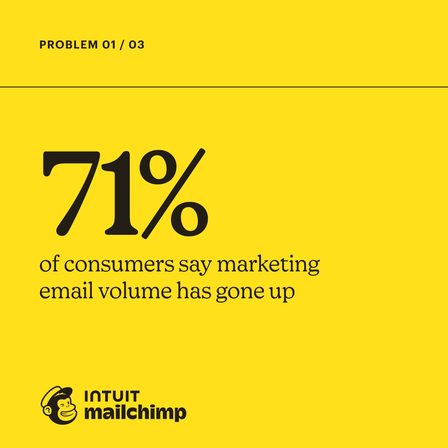
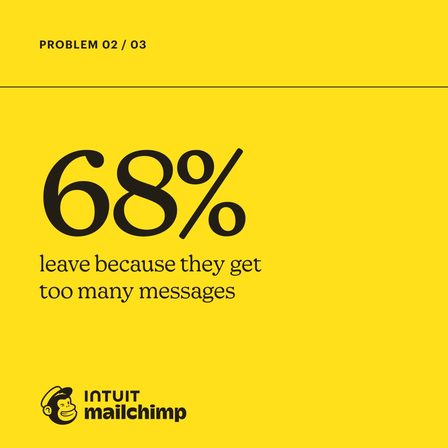
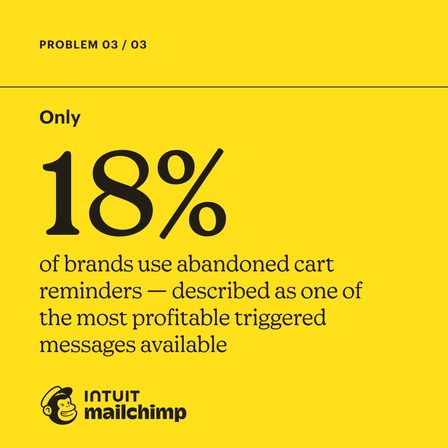
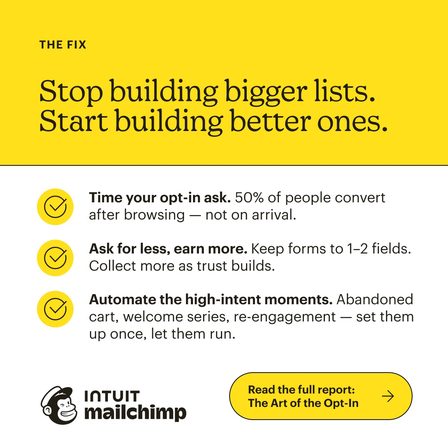
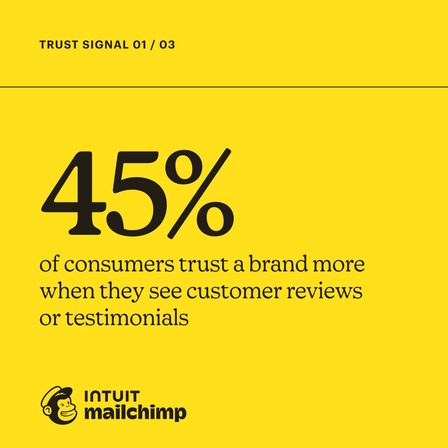
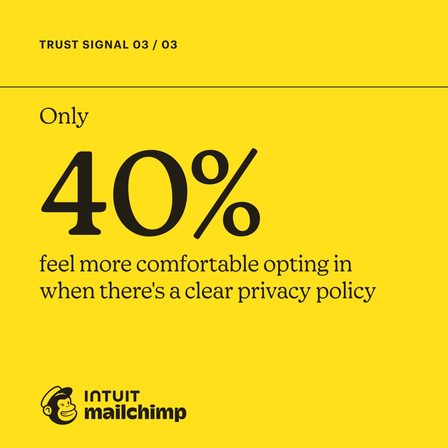
The cleanest structure in this gallery. Frame one states a contradiction the reader recognises, frames two to four are one statistic each, and frame five turns the whole thing into an instruction: stop building bigger lists, start building better ones. Nothing is sold until the last frame.

See it in the LinkedIn Ad Library
Mailchimp 5 frames
  1. Mailchimp carousel ad, frame 1 of 5

    Frame 1

  2. Mailchimp carousel ad, frame 2 of 5

    Frame 2

  3. Mailchimp carousel ad, frame 3 of 5

    Frame 3

  4. Mailchimp carousel ad, frame 4 of 5

    Frame 4

  5. Mailchimp carousel ad, frame 5 of 5

    Frame 5

Same skeleton, different objection

Your opt-in form is not the problem. Trust is.

The same advertiser running the same five-frame shape against a different objection, in the same period. Read next to the carousel above, it shows a template being reused rather than a one-off idea, which is the practical lesson: build the skeleton once.

See it in the LinkedIn Ad Library
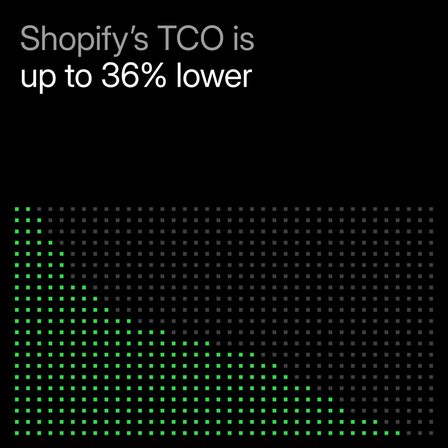
Shopify 5 frames
  1. Shopify carousel ad, frame 1 of 5

    Frame 1

  2. Shopify carousel ad, frame 2 of 5

    Frame 2

  3. Shopify carousel ad, frame 3 of 5

    Frame 3

  4. Shopify carousel ad, frame 4 of 5

    Frame 4

  5. Shopify carousel ad, frame 5 of 5

    Frame 5

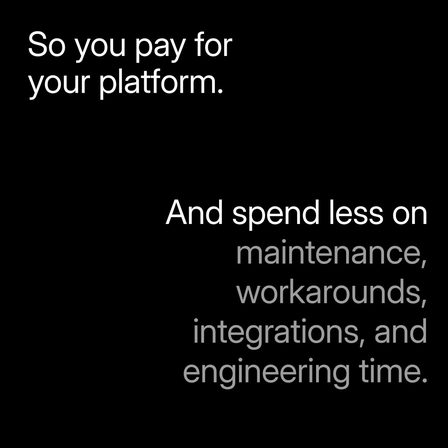
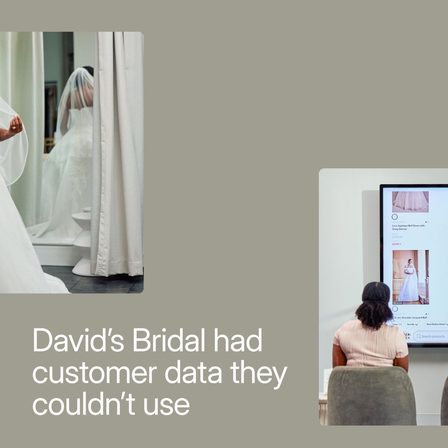
Customer story in five beats

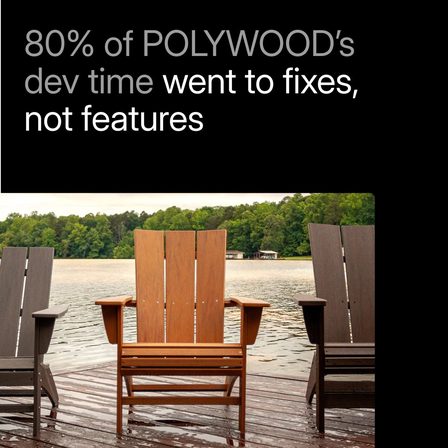
80% of POLYWOOD development time went to fixes, not features.

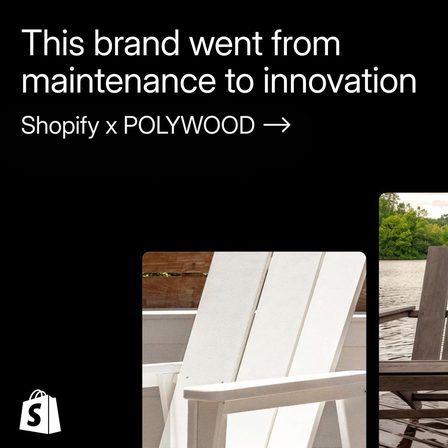
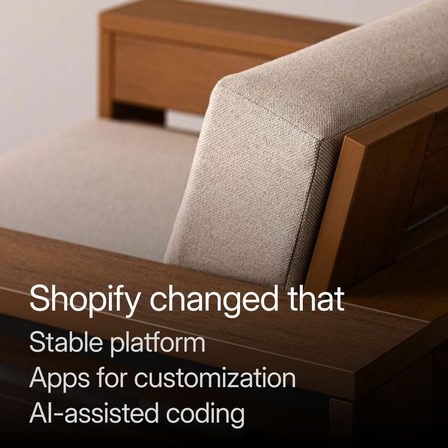
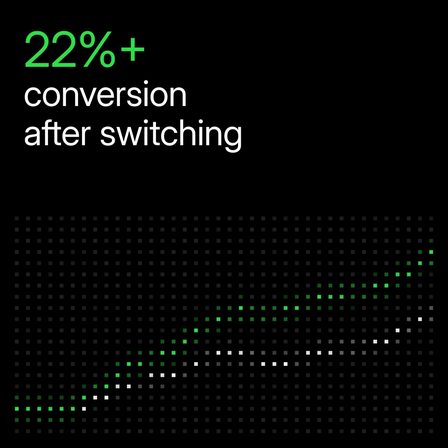
A case study cut into frames: the named customer, the problem as a number, what changed, the result as a second number, and the logo. The proof sits in frames two and four, which is where a swiping thumb actually stops.

See it in the LinkedIn Ad Library
Shopify 5 frames
  1. Shopify carousel ad, frame 1 of 5

    Frame 1

  2. Shopify carousel ad, frame 2 of 5

    Frame 2

  3. Shopify carousel ad, frame 3 of 5

    Frame 3

  4. Shopify carousel ad, frame 4 of 5

    Frame 4

  5. Shopify carousel ad, frame 5 of 5

    Frame 5

Question first, named customer as the answer

Could you save $100k a month on your commerce platform? Mejuri did.

Frame one asks a question with a number in it and answers it with a brand name in the same breath. The rest of the sequence exists to make that first frame believable, which is the correct order and the one most carousels get backwards.

See it in the LinkedIn Ad Library
Shopify 5 frames
  1. Shopify carousel ad, frame 1 of 5

    Frame 1

  2. Shopify carousel ad, frame 2 of 5

    Frame 2

  3. Shopify carousel ad, frame 3 of 5

    Frame 3

  4. Shopify carousel ad, frame 4 of 5

    Frame 4

  5. Shopify carousel ad, frame 5 of 5

    Frame 5

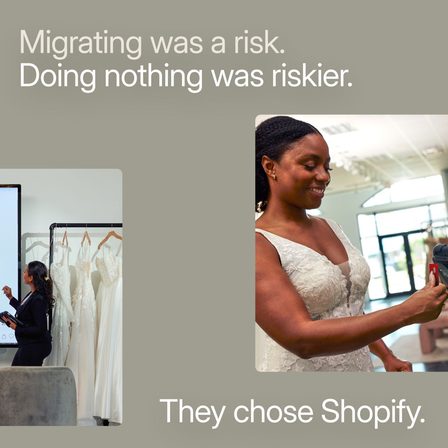
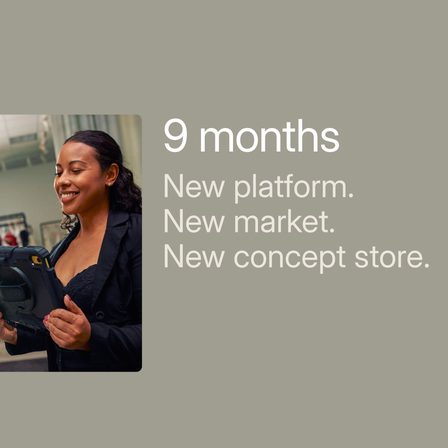
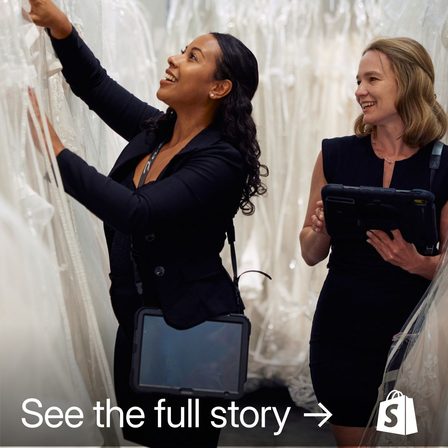
Risk reframed mid-sequence

Migrating was a risk. Doing nothing was riskier.

The third Shopify carousel in the same campaign, and the only one that answers the objection out loud. It puts the reframe in frame four, after the story has earned it, rather than arguing with the reader on arrival.

See it in the LinkedIn Ad Library
Mailchimp 6 frames
  1. Mailchimp carousel ad, frame 1 of 6

    Frame 1

  2. Mailchimp carousel ad, frame 2 of 6

    Frame 2

  3. Mailchimp carousel ad, frame 3 of 6

    Frame 3

  4. Mailchimp carousel ad, frame 4 of 6

    Frame 4

  5. Mailchimp carousel ad, frame 5 of 6

    Frame 5

  6. Mailchimp carousel ad, frame 6 of 6

    Frame 6

One feature per frame

Your marketing should pay for itself.

The most common carousel shape and the weakest one here. Six frames, six features, no argument connecting them. It works as a reminder for people who already know the product and does almost nothing for people who do not.

See it in the LinkedIn Ad Library
Mailchimp 4 frames
  1. Mailchimp carousel ad, frame 1 of 4

    Frame 1

  2. Mailchimp carousel ad, frame 2 of 4

    Frame 2

  3. Mailchimp carousel ad, frame 3 of 4

    Frame 3

  4. Mailchimp carousel ad, frame 4 of 4

    Frame 4

Two customer results and a calculator

Measure your potential ROI impact.

Four frames, and the two in the middle are named customers with their own numbers. Proof from two different industries in one ad is a cheap way to widen who thinks the claim applies to them.

See it in the LinkedIn Ad Library
Mailchimp 5 frames
  1. Mailchimp carousel ad, frame 1 of 5

    Frame 1

  2. Mailchimp carousel ad, frame 2 of 5

    Frame 2

  3. Mailchimp carousel ad, frame 3 of 5

    Frame 3

  4. Mailchimp carousel ad, frame 4 of 5

    Frame 4

  5. Mailchimp carousel ad, frame 5 of 5

    Frame 5

Cover, then the faces behind it

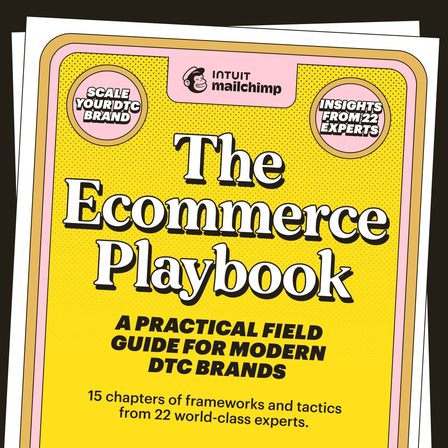
The Ecommerce Playbook: a practical field guide for modern DTC brands

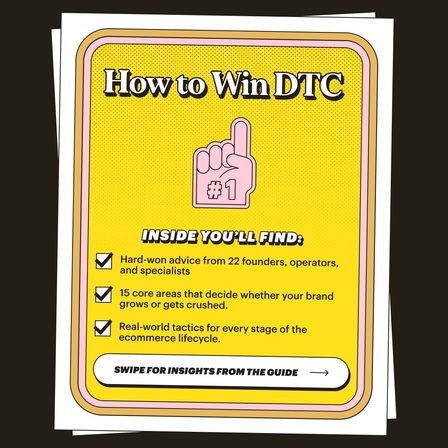
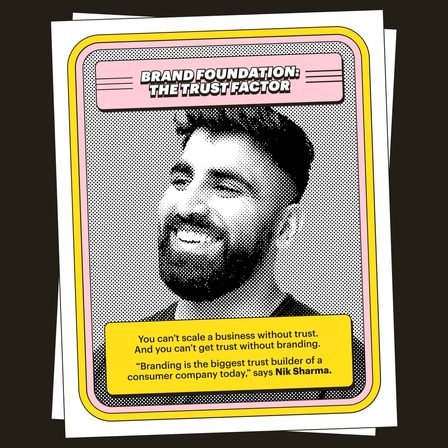
The offer is a document and frame one is its cover. The frames after it are the contributors, photographed as people rather than logos, which is what turns a PDF into something worth an email address.

See it in the LinkedIn Ad Library
Workday 4 frames
  1. Workday carousel ad, frame 1 of 4

    Frame 1

  2. Workday carousel ad, frame 2 of 4

    Frame 2

  3. Workday carousel ad, frame 3 of 4

    Frame 3

  4. Workday carousel ad, frame 4 of 4

    Frame 4

Four questions, no answers

Are you ready for enterprise selling in the AI era?

Every frame is a question and the ad never answers one. It is the highest-risk shape here: it works on a reader who is already worried, and it is invisible to everybody else.

See it in the LinkedIn Ad Library

Key takeaways

  • Not one of the nine sells in frame one. Every logo and every call to action waits for the last frame.
  • Five frames is the most common length here, with a range of four to six.
  • The two strongest shapes are a contradiction followed by evidence, and a customer story told in five beats.
  • Mailchimp reuses one five-frame skeleton against two different objections. Shopify reuses one story shape across three customers.
  • Every frame in this gallery was served square, most of them at 1200 by 1200 pixels.

The six structures behind these nine carousels

Strip the artwork and the nine collapse into six sequences. The sequence is the part you can copy.

Structure

Contradiction, evidence, instruction

Frame one states something the reader believes is fine and says it is not. The middle frames carry one fact each. The last frame turns it into an instruction. Both Mailchimp research carousels use it, and it is the easiest of these to copy because the skeleton survives any subject.

Structure

Customer story in five beats

Named customer, problem as a number, what changed, result as a number, logo. All three Shopify carousels here run it. The two numbers do the work, and they sit in frames two and four rather than frame one.

Structure

One feature per frame

The default carousel, and the one that asks the most from the reader. Six frames with no thread between them is six separate ads sharing a swipe. It reminds existing customers and converts almost nobody else.

Structure

The document and its contributors

Frame one is the cover of a guide, the rest are the people in it. On a professional feed the faces are the offer, because a PDF with named contributors is worth an email address and an anonymous one is not.

Structure

Questions all the way down

Four frames, four questions, no answer anywhere in the ad. It only reaches a reader who already has the problem, which makes it a retargeting shape wearing a prospecting costume.

Structure

The last frame is always the ask

Every carousel in this gallery holds the logo and the call to action until the final frame. Not one of them sells in frame one, which is the single most consistent finding across all nine.

Why the last frame is always the ask

The most consistent finding across all nine ads is negative: nobody sells in frame one. Mailchimp spends frame one on a contradiction. Shopify spends it on a named customer. Workday spends it on a question. In all nine, the logo, the product name and the call to action wait until the reader has already swiped at least three times.

That ordering is the whole argument for using a carousel instead of a single image. A still frame has to interrupt, qualify and ask in one rectangle. A carousel can spend its first frame buying nothing but the swipe, and the swipe is a cheap commitment that makes the next one likelier. Sequences that waste frame one on a logo throw that away and would perform identically as a single image, at a fraction of the production cost. If that is where a campaign lands, the image ad examples show what one frame has to do on its own.

Four ways carousel ads get wasted

  • Putting the offer in frame one

    None of the nine carousels here do it. Frame one buys the swipe and nothing else. An ad that asks before the reader has moved a thumb gets the same treatment as any other interruption.

  • Treating the frames as a gallery instead of a sequence

    Six unrelated features in six frames is not a carousel, it is a contact sheet. If the frames can be shuffled without losing anything, the format is doing no work and a single image would do the same job cheaper.

  • Designing frames that only make sense together

    Most people see frame one and stop. Every frame has to read on its own as well as in order, which is why the strongest examples here put one complete idea in each frame rather than splitting a sentence across three.

  • Rebuilding the structure for every campaign

    Mailchimp runs one five-frame skeleton against two different objections. Shopify runs one five-beat story against three different customers. The structure is the reusable asset, not the artwork.

Carousel ad examples: common questions

01 What is a carousel ad? +

A carousel ad is a single ad made of several images or videos the viewer swipes through, each with its own frame and usually its own link. Facebook, Instagram, LinkedIn, TikTok and Pinterest all run the format. Every example on this page is a real carousel shown with all of its frames in order.

02 How many frames should a carousel ad have? +

The nine ads on this page run between four and six frames, and five is the most common. The number matters less than whether the sequence is an argument: if the frames could be reordered without losing anything, the format is not earning its place.

03 What should the first frame of a carousel ad say? +

Not the offer. Every carousel here holds the logo and the call to action until the last frame, and spends frame one on a contradiction, a question, or a named customer. Frame one buys the swipe.

04 Where can I find real carousel ad examples for free? +

The LinkedIn Ad Library and the Meta Ad Library are both public, free, and need no advertising account. The nine carousels on this page were harvested from the LinkedIn Ad Library on 14 September 2026 and each card links back to its entry.

05 What size should carousel ad images be? +

Every frame in this gallery was served square. Most arrived at 1200 by 1200 pixels, the rest at 1280 by 1280 or 1080 by 1080, and a handful of portrait frames at 872 by 1080. Square is the safe default across all the major feeds.

Selzee is your AI content team. It researches what your market is arguing, turns it into concepts, and writes every frame, so a structure you just read becomes your next campaign instead of a screenshot in a folder.

Build your next carousel with Selzee

Keep exploring: LinkedIn ad examples, Image ad examples, UGC ad examples, Find competitor ads.

ask ai about selzee

© 2026 Selzee. All rights reserved.