LinkedIn Ad Examples: 19 Real B2B Ads and What Each One Argues
Nineteen ads pulled from the public LinkedIn Ad Library on 14 September 2026, from Figma, Notion, Canva, Asana, Slack, HubSpot and Salesforce. Each one is shown as it ran, with the hook set inside the creative, the pattern it belongs to, and a link back to the library entry. Below the gallery are the six arguments these frames sort into, the ten-variant campaign that shows how account-based advertising really works, and the four mistakes people make copying ads like these.
 Marián Cabadaj
10 min read
Marián Cabadaj
10 min read
Our articles are still written by HUMANS! Get human written articles in your Google feed.
Add as preferred sourceNineteen real LinkedIn ads
Harvested from the LinkedIn Ad Library on 14 September 2026. The quoted line under each card is the hook as it is set inside the creative, which is the part a scrolling buyer actually reads.
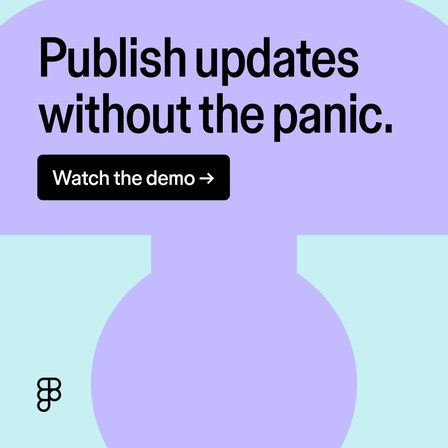
Name the fear
The frame carries no product, no screenshot and no feature. It names the feeling a design lead already has on release day, and the demo button is the only other element.
See it in the LinkedIn Ad Library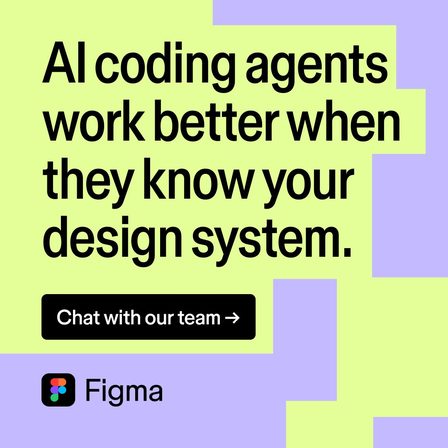
Mechanism claim
A full sentence making an argument rather than a slogan. It works because the claim is falsifiable: a reader either believes the mechanism or wants to see it.
See it in the LinkedIn Ad Library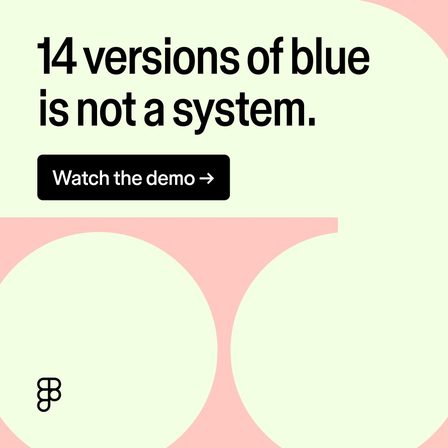
Absurd specific
One invented number doing the work of a paragraph about design debt. The reader supplies the rest of the argument from their own codebase.
See it in the LinkedIn Ad Library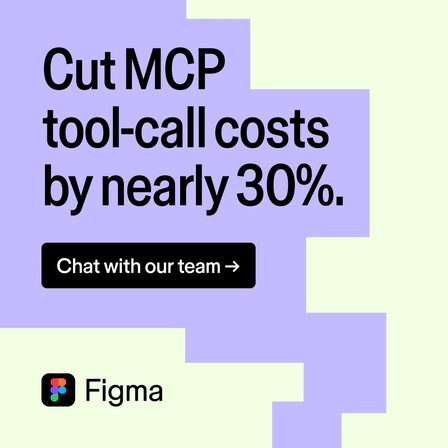
Cost number
The same advertiser, the same week, arguing to a budget holder instead of a practitioner. Running both is the point: one brand, two buyers, two frames.
See it in the LinkedIn Ad Library
Research as the offer
The product never appears. A report is the entire offer, which is the dominant LinkedIn pattern for buyers who are too early to want a demo.
See it in the LinkedIn Ad Library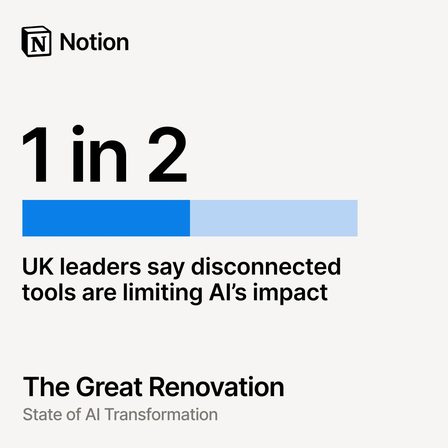
Stat as the creative
A single finding lifted out of the same report and set as the whole frame. One creative sells the report, the other sells one number from it.
See it in the LinkedIn Ad Library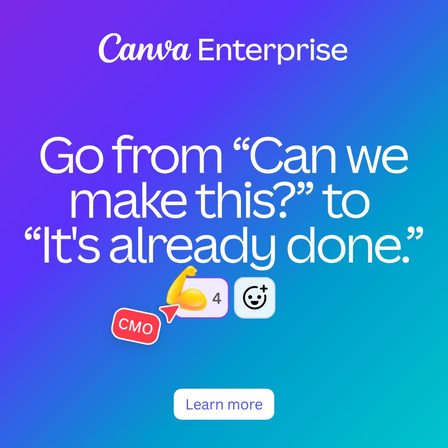
Before and after, in quotes
Two lines of imagined dialogue instead of a benefit statement. The reader hears the meeting rather than reading a claim about speed.
See it in the LinkedIn Ad Library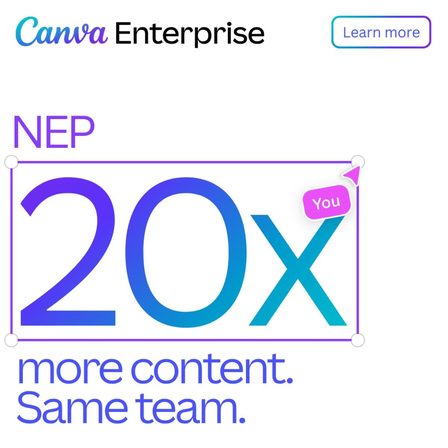
Named account
The account name is set into the creative. This is one of ten identical frames, each naming a different target company, and the whole set is listed further down this page.
See it in the LinkedIn Ad Library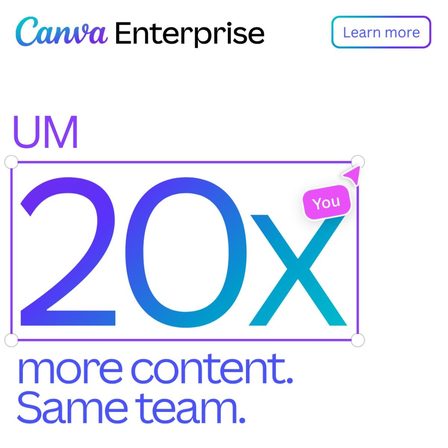
Named account
The same creative with one word swapped. Placed next to the card on its left, it shows exactly how little changes between account-based variants.
See it in the LinkedIn Ad Library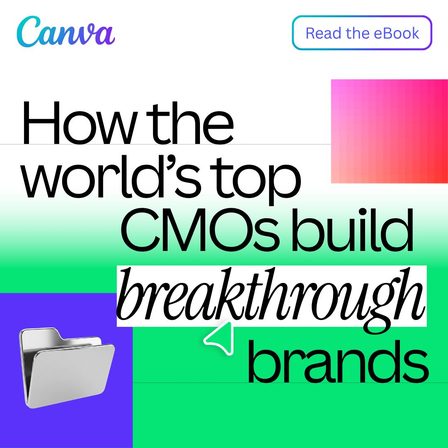
Borrowed authority
The offer is an ebook and the authority is other people. Nothing about the product is claimed, so nothing about the product has to be believed yet.
See it in the LinkedIn Ad Library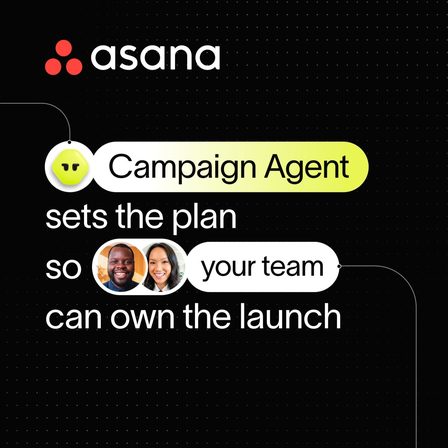
Product as a character
The feature is given a name and a job in a sentence about people. The frame argues a division of labour, not a capability.
See it in the LinkedIn Ad Library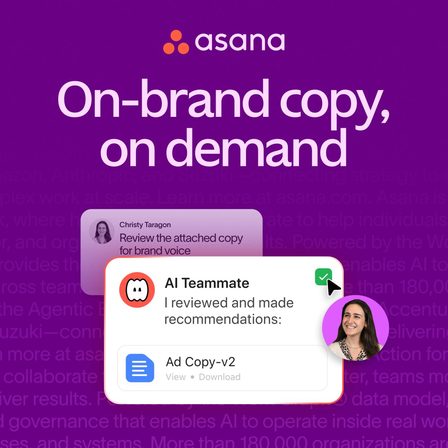
Four words
The shortest hook in this set. It survives at thumbnail size on a phone, which is where most of these impressions are actually served.
See it in the LinkedIn Ad Library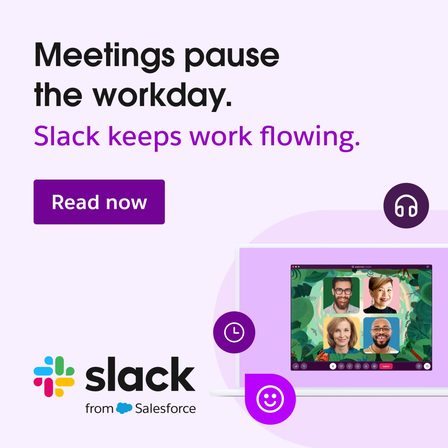
Two-line contrast
A problem sentence and a product sentence, in that order, with nothing between them. The structure is old and it is still the most copied shape on LinkedIn.
See it in the LinkedIn Ad Library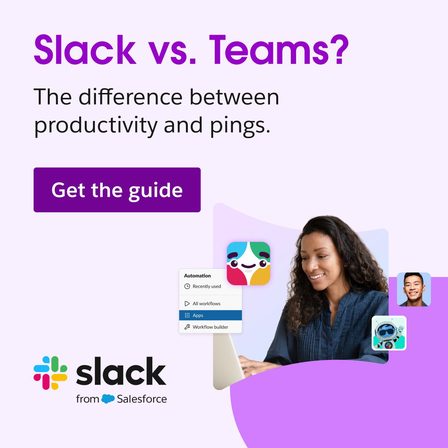
Competitor named
Naming the competitor in the creative is rare and it is the highest-intent frame in this gallery: it only speaks to someone already comparing the two.
See it in the LinkedIn Ad Library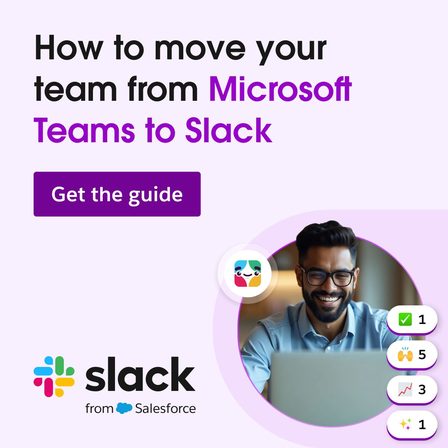
Switching guide
The step after the comparison ad above. Read as a pair, the two frames show a switching funnel built entirely out of downloadable guides.
See it in the LinkedIn Ad Library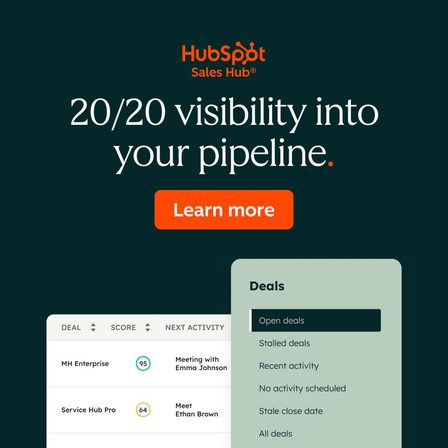
Wordplay plus a screenshot
A pun carries the line and a real product screenshot sits under it. The screenshot is small on purpose: it proves the thing exists without asking to be read.
See it in the LinkedIn Ad Library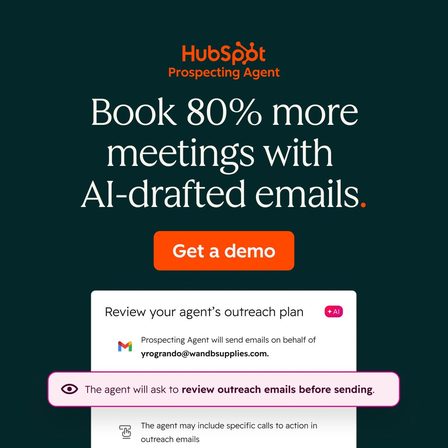
Outcome number
A number attached to an outcome the buyer is measured on. Compare it with the Figma cost card: same device, opposite end of the deal.
See it in the LinkedIn Ad Library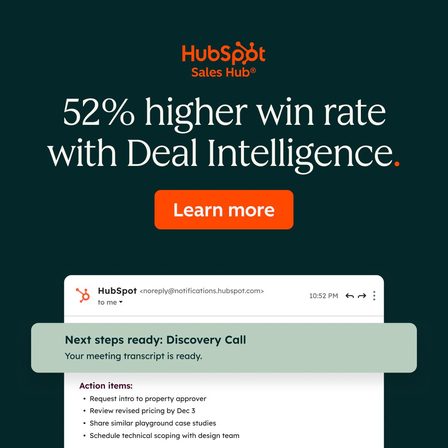
Outcome number
The third HubSpot frame in the same campaign shape. One advertiser running one pattern across a product line is what a library shows you that a swipe file cannot.
See it in the LinkedIn Ad Library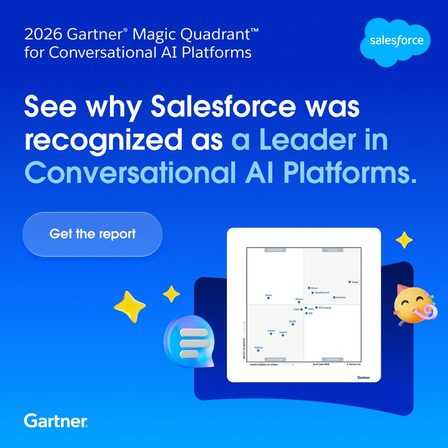
Analyst badge
The entire creative is somebody else saying it. For enterprise buyers who need internal cover for a decision, a third-party badge does work no claim of ours can.
See it in the LinkedIn Ad LibraryKey takeaways
- Nine of the nineteen ads offer a document rather than the product. On LinkedIn the download is the conversion, not the demo.
- Six lead on a number, and in every case the number is the first thing set in type.
- One ad names a competitor. Slack names Microsoft Teams, once to compare and once to migrate.
- Canva runs one creative as ten separate ads, each naming a different target account, all ten live in the library at once.
- Every advertiser here runs several arguments in parallel. Reading one ad from a competitor tells you almost nothing.
The six arguments these nineteen ads sort into
Strip the colours and the type treatments and the gallery above collapses into six repeated moves. These are the transferable part.
The offer is a document, not the product
Notion sells a report, Slack sells a comparison guide and a migration guide, Canva sells an ebook. Nine of the nineteen ads here ask for a download rather than a demo, because a LinkedIn feed reaches buyers months before they are shopping.
The hook is set in the image, not in the post copy
Every frame in this gallery carries its argument as type inside the creative. The post text above it repeats or extends the line, and a reader who never scrolls past the image still gets the whole pitch.
One advertiser runs several buyers at once
Figma argues design debt to a design lead and tool-call cost to whoever signs the invoice, in the same week. Reading one ad from a competitor tells you almost nothing; reading their set tells you who they think buys.
Numbers are the most reused device
Fourteen versions of blue, 30% lower cost, 80% more meetings, a 52% win rate, 1 in 2 leaders, 20x more content. Six of nineteen creatives lead on a figure, and in every case the figure is the first thing set in type.
Almost nobody names the competitor
One ad in this set does it. Slack names Microsoft Teams twice, once to compare and once to migrate. It is the highest-intent frame here and the rarest, which is the gap most B2B advertisers leave open.
The design is interchangeable, the argument is not
Strip the brand colours from these nineteen and the frames still sort into six arguments. Copying the layout of an ad you admire moves nothing; copying which objection it answers is the transferable part.
One creative, ten named accounts: what account-based advertising actually looks like
Two cards in the gallery above look like a duplicate. They are not. Canva is running the same frame, the same layout and the same line, "20x more content. Same team.", as ten separate ads, each one with a different company name set into the creative. Every one of them was live in the library on the day this page was built, and every one has its own permalink.
This is the part of account-based advertising that gets described in decks and almost never shown. The production cost of the tenth variant is one word. The targeting behind it is where the work went, and the library exposes the list:
Etsy, F5, GEP, ICF, MNP, NEP, NFP, RSM, UM and WEX. A competitor reading that list learns Canva's enterprise target list for the quarter, which is a far more useful thing to take from an ad library than a colour palette.
Four ways people get this wrong
-
Copying the execution instead of the argument
The bold type and the flat colour blocks are the least transferable thing in any of these ads. What moves is the objection each one answers. Write the objection down before you write the ad.
-
Judging a single ad instead of an advertiser set
One frame from a competitor is a data point with no context. The same brand read across ten ads shows you which buyer they are chasing, which proof they lead on, and what they have quietly stopped saying.
-
Treating longevity as proof of performance
The library shows what is running, never what is working. An ad that has run for months has been paid for repeatedly, which is a weak signal on its own and a useful one across five competitors at once.
-
Asking for a demo from a buyer who has not got a problem yet
The document offer is the most common shape in this set for a reason. A feed is an interruption, and an interruption that asks for thirty minutes converts worse than one that asks for an email address.
How to read any advertiser the way this page reads these seven
The LinkedIn Ad Library is public, free, and needs no advertising account, and so are the other public ad libraries. Search a competitor by name, then read their whole set rather than their best ad. Write down three things per ad: what it claims, which buyer objection that claim answers, and what proof it offers. Three lines each. A folder of screenshots without those notes is a folder nobody reopens.
Then sort your shortlist by how long each ad has been running. Longevity is the only performance signal a public library gives you, and it is weak alone and strong in aggregate: five competitors still making the same argument after six months is a market telling you something. The output is never a copied ad. It is the objection you now know the market answers, rewritten against what your own product can prove.
LinkedIn ad examples: common questions
01 Where do these LinkedIn ad examples come from? +
All nineteen were harvested from the public LinkedIn Ad Library on 14 September 2026. Each card links the permalink it came from, so any of them can be checked against the source or read alongside the rest of that advertiser set.
02 Can I see any company LinkedIn ads for free? +
Yes. The LinkedIn Ad Library is public, needs no advertising account and no LinkedIn login, and covers ads that have run since 1 June 2023. Search by company name, by the name of whoever paid for the ad, or by keyword.
03 What makes a LinkedIn ad different from a Facebook or Instagram ad? +
The offer, mostly. Nine of the nineteen ads here ask for a download rather than a purchase or a demo, and the hook is almost always set as type inside the image rather than carried by a photograph or a creator video.
04 What size should a LinkedIn ad image be? +
The single image ads in this gallery were served at 1080 by 1080 pixels, which is the square format LinkedIn shows at full width in the feed on both desktop and mobile. Portrait creatives at 1080 by 1350 also appear in this set.
05 How many LinkedIn ads should I run at once? +
Every advertiser in this gallery runs several arguments in parallel rather than one ad at a time. Figma runs a design argument and a cost argument in the same week. Start with one frame per objection you know your buyers raise.
Selzee is your AI content team. It researches what your market is arguing, turns it into concepts, and writes the ads, so the pattern you just spotted becomes your next campaign instead of a screenshot in a folder.
Build your next ad with SelzeeKeep exploring: Find competitor ads, Image ad examples, Carousel ad examples, Free ad spy tools.