 Add to Chrome
 TikTok Mockup Generator (FREE TOOL)
Drop a picture or a video and see it as a TikTok ad or post in the For You feed, with what TikTok covers if you want it. Download a 1080 x 1920 PNG. Nothing is uploaded.
Your picture or video
Edit the text
Built and checked by Simon Beno, Co-founder, CEO & CMO, Selzee. Last checked November 2026.
What the sizes here come from
TikTok Ads Help, TikTok Auction In-Feed Ads for 9:16 at 540 x 960 or more, 16:9 and 1:1, the video formats and 500 MB, the 4 caption lines and the 20 character name. TikTok sets minimums, not an export size, so the 1080 x 1920 PNG is the usual 9:16 export.
TikTok's In-Feed standard safe zone file for what TikTok covers on an ad: 240 top, 660 bottom, 120 each side and a 180 wide button column, measured at 1080 x 1920.
TikTok Ads Help, TopView ad specifications for the 100 character caption and the 98 x 98 profile photo.
TikTok Ads Help, Specifications for Carousel Ads for a still: JPG or PNG at 720 x 1280, 640 x 640 or 1200 x 628.
TikTok Ads Help, Available timing of CTA content and background color for when the ad button turns coloured.
The examples on this page were made by the same code the tool runs. All of TikTok's ad sizes are in our guide to TikTok ad specs.
The short answer
- A TikTok mockup is a picture of your creative in TikTok's For You screen: the tabs at the top, the like, comment, save and share buttons on the right, and the name and caption at the bottom. This generator draws it at 1080 x 1920, the usual 9:16 export. TikTok's minimum for a vertical ad is 540 x 960 (TikTok Ads Help). The same answer holds if you searched for a TikTok ad mockup or a TikTok video mockup.
- Switch to Ad and the mockup adds the Sponsored label and a button with your text, such as Shop now. As a Post, the same picture shows the name, caption, sound line and counts, with no label and no button.
- On an ad, TikTok's screen covers the top 240 pixels, the bottom 660, 120 on each side and a 180 wide column of buttons on the right, measured on TikTok's In-Feed safe zone file at 1080 x 1920. Turn on Show what TikTok covers and those areas are shaded on your mockup.
- A post has no published zone. TikTok's safe-zone download holds one file, for In-Feed ads, so the Post mockup draws the buttons and caption and no shaded areas.
Our articles are still written by HUMANS! Get human written articles in your Google feed.
Add as preferred sourceSix TikTok mockups made with this tool
Four ads from the gallery of ads Selzee made, dropped into the generator and saved with Download. Two are ads, two are posts, and two are ads with the covered areas on.
TikTok ad or post: what changes
The same MBoo picture, once as a post and once as an ad with the covered areas on.
Post
The name, caption, sound line and counts sit over the picture. TikTok publishes no covered area for a post, so none is drawn.
Ad
The same picture gains Sponsored and a coloured button. TikTok's In-Feed file marks the bottom 660 pixels as covered.
TikTok sizes and limits the mockup uses
Every row is TikTok's own figure, and the second column says what the generator does with it.
| TikTok's figure | What the mockup does | |
|---|---|---|
| Vertical 9:16 | At least 540 x 960 | Fills the 1080 x 1920 frame with no bars. |
| Horizontal 16:9 | At least 960 x 540 | Plays with black bars above and below, as TikTok shows it. |
| Square 1:1 | At least 640 x 640 | Plays with black bars above and below. |
| Video file | .mp4, .mov, .mpeg, .3gp or .avi, up to 500 MB | Takes one frame of any video your browser can open. |
| Caption | Up to 100 characters, 4 lines shown, white in a fixed font | Cuts the caption at 100 characters and shows 4 lines, then "more". |
| Display name | One line, up to 20 characters | Takes up to 20 characters. |
| Profile photo | 98 x 98, square | Draws it in a circle, or a plain circle when you add none. |
| A still | Runs as a carousel card: JPG or PNG at 720 x 1280, 640 x 640 or 1200 x 628 | Draws the still in the full 9:16 frame. |
| Ad button | Coloured 2 seconds into a reservation In-Feed ad, 4 to 7 seconds into an oCPM auction ad | Draws the coloured button. |
| Covered areas, ad | 240 top, 660 bottom, 120 each side, a 180 wide button column from 840 down | Shades them when Show what TikTok covers is on. |
Sources, read on 5 November 2026: TikTok Ads Help on In-Feed ads, TopView specs, Carousel specs and CTA timing, and TikTok's In-Feed safe zone file, measured at 1080 x 1920. Every other TikTok ad size is in our TikTok ad specs guide. Verified 2026-11-05.
Mistakes a TikTok mockup catches
A mockup with the covered areas on shows three common misses before you pay for the ad. Our TikTok safe zone checker found the same ones on these ads.
An offer under the caption
Quinn Marketing's orange offer box sits in the bottom 660 pixels, under the caption and button. Fix: move the offer up into the clear middle.
Artwork under the buttons
The arrows on the right of the OneX ad run into the 180 wide button column. Fix: pull them in, clear of the like and share buttons.
A 4:5 ad with black bars
An 870 x 1080 feed ad plays at 70% of the screen, with black bars above and below. Fix: export a 9:16 version at 1080 x 1920.
Free TikTok mockup PNG: the frame on its own
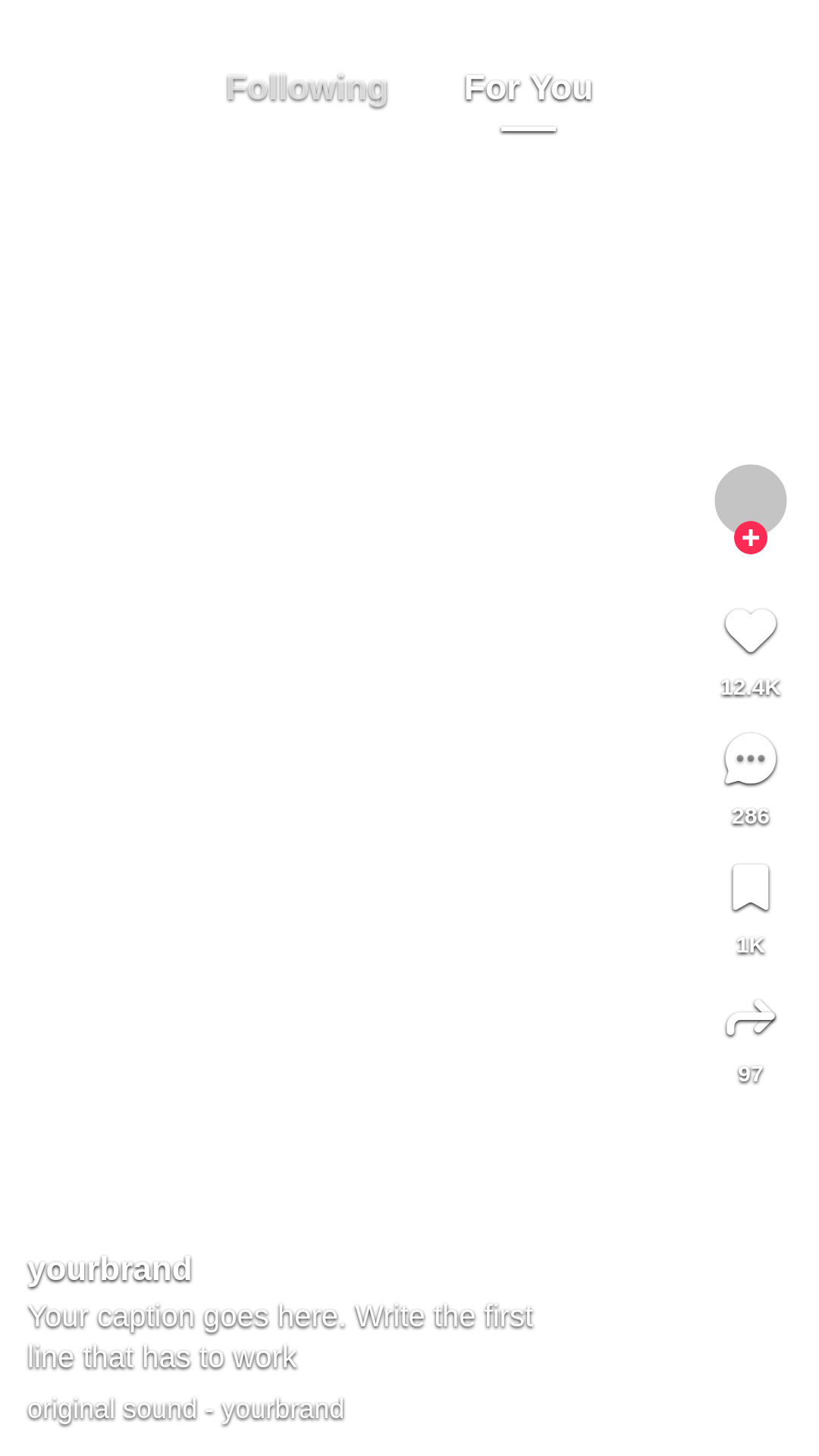
Two transparent 1080 x 1920 PNGs with the same screen the generator draws, to lay over your video in CapCut, Premiere, Canva or Figma. The frames carry no TikTok logo. The same files answer a search for a TikTok mockup template.
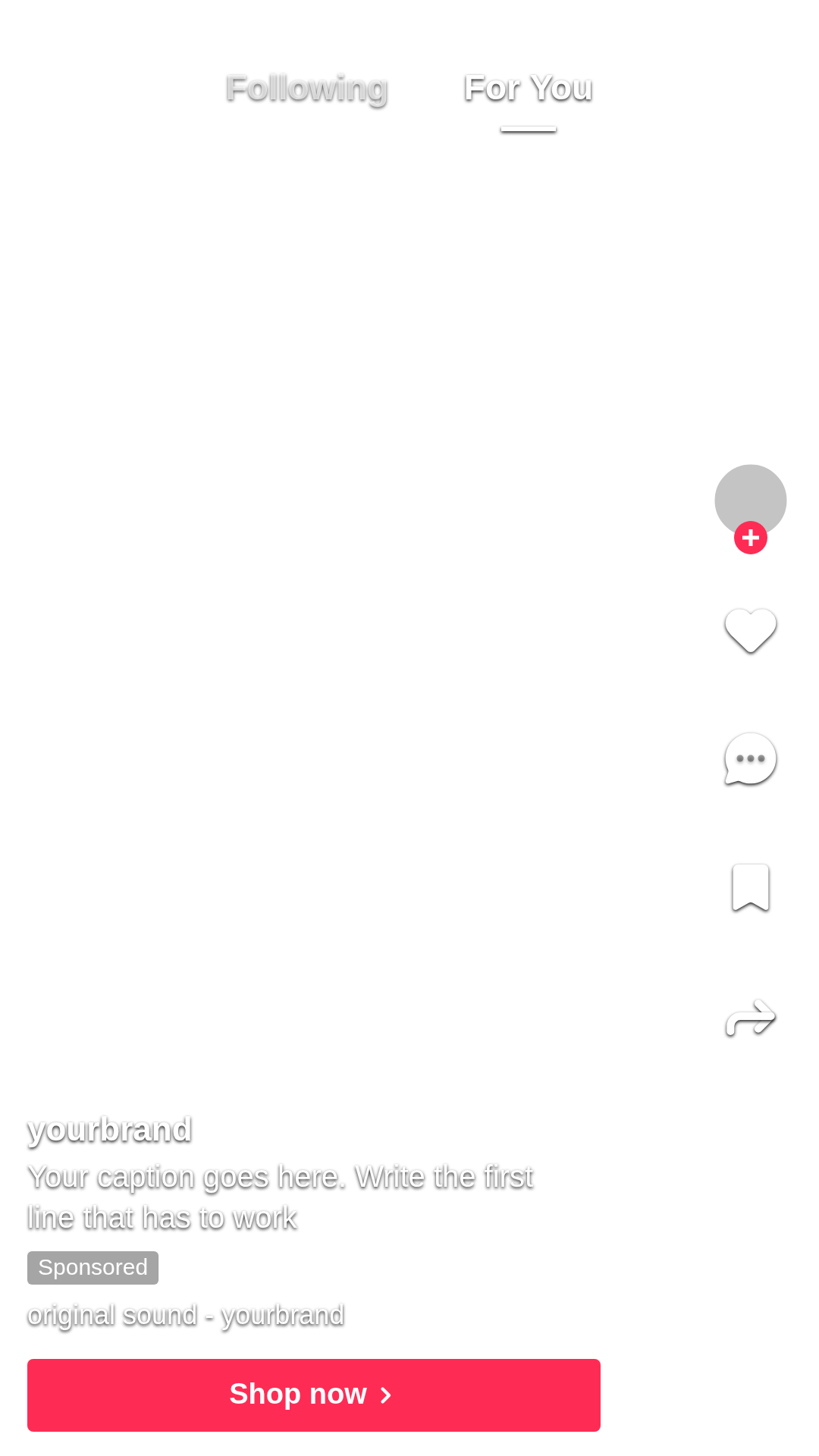
TikTok ad frame
1080 x 1920 PNG, transparent. Buttons, name, Sponsored, caption and the ad button.
What a TikTok mockup is for
A TikTok mockup gets a yes before you spend. A client, your team or you see the ad the way the For You feed shows it, under the buttons and the caption, not as a loose file on a white page. That is where a buried offer or a cut headline shows up.
The mockup has to look like the real feed. One agency owner told us on a sales call that their clients reject a design that looks AI-made, even a draft sent only for feedback. A real name, a real caption and the right frame do more for that than any template.
- Client approval: send the ad as it will look and get a yes or a change in one round.
- Ad previews before spend: check the picture, the caption and the button together.
- Pitch decks and case studies: put a planned ad on a slide with no TikTok logo on it.
- Your own posting plan: see a post as your followers will before it goes up.
Running the same ad on other feeds? The Instagram mockup generator, Facebook ad mockup generator and LinkedIn ad mockup generator do the same job for those feeds.
How to make a TikTok mockup
-
Drop a file or try a sample
Choose, drag or paste a picture or a video, or pick one of 3 sample ads. Your browser reads it and uploads nothing.
-
Pick Ad or Post and the fit
Ad adds Sponsored and the button. Fit plays the whole picture, Fill crops it to 9:16, and the switch shades what TikTok covers.
-
Edit the text and download
Open Edit the text for the name, caption and button. Then download a 1080 x 1920 PNG.
How to make a TikTok mockup look real
-
Use your real display name
One line, up to 20 characters. A placeholder handle reads as a template.
-
Add a profile photo
TikTok asks for 98 x 98. Your logo in the circle reads as a real account.
-
Write the caption you will run
Up to 100 characters, and 4 lines show. Test the first line that has to work.
-
Pick the strongest frame
For a video, scrub to the frame that sells. The PNG takes the frame on screen.
-
Use your real button text
Write the label your ad will carry, such as Shop now or Learn more.
TikTok mockup: FAQ
What is a TikTok mockup?
How do I make a TikTok ad mockup?
What size is a TikTok mockup?
Can I make a TikTok video mockup?
Is a TikTok ad different from a regular TikTok post?
Can I run an image as a TikTok ad?
Where can I get a TikTok mockup PNG or template?
Why is there no TikTok logo on the mockup?
Is this TikTok mockup generator free, and is my file uploaded?
How we checked
Last checked: 5 November 2026. The sizes and limits come from TikTok Ads Help: In-Feed ads (updated June 2026), TopView specs (October 2026), Carousel specs (September 2026) and CTA timing (February 2025), each read at the source that day. TikTok's safe-zone download, listed the same day, holds one file, In-Feed/Feed.png. We measured the covered areas on it for our TikTok safe zone checker.
On 5 November 2026, we ran the generator on the Selzee ads on this page and on four test files: a 1080 x 1920 PNG, a 1920 x 1080 MP4, an 870 x 1080 JPG and a text file renamed to .png. We made each as an ad and as a post, at a laptop width and a phone width.
- The size: every PNG is 1080 x 1920.
- The fit: the 870 x 1080 picture scales by 1.24 to about 1080 x 1341 with bars above and below, and the 1920 x 1080 video to 1080 x 607.5.
- The covered areas: the five shaded boxes sit where TikTok's file puts them, and only on Ad, with Sponsored and the button.
- The bad file: the renamed text file shows an error and changes nothing else.
- The privacy: no network request carries the file.
Keep exploring
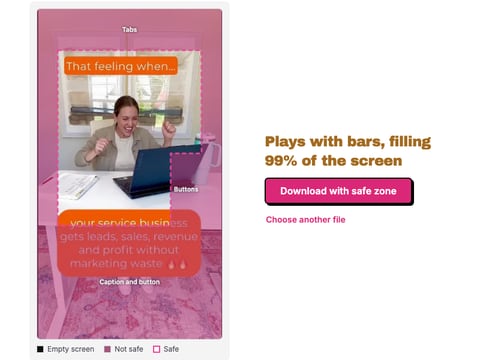
Drop a TikTok ad, image or video, and see what the tabs, buttons and caption cover, drawn on your own frame. Nothing is uploaded.
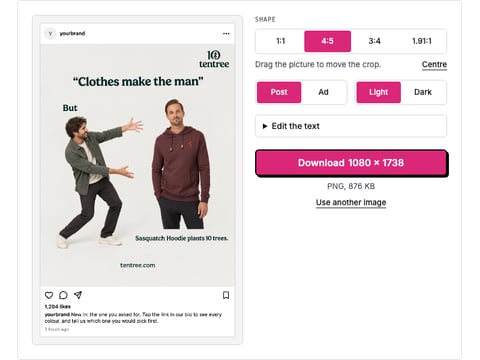
Drop a picture and get a realistic Instagram post or ad mockup: your name, caption, likes, light or dark, 1:1 or 4:5. Download a PNG. Nothing is uploaded.
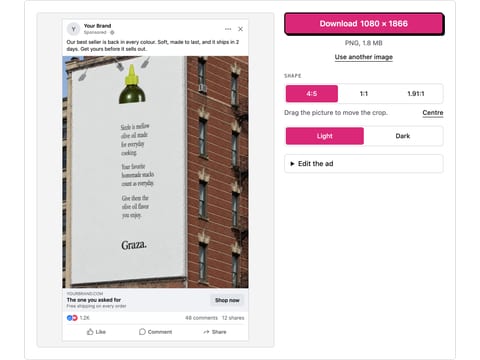
Drop a picture and get a realistic Facebook feed ad mockup: page name, primary text, headline, button and reactions, light or dark. Download a PNG. Nothing is uploaded.
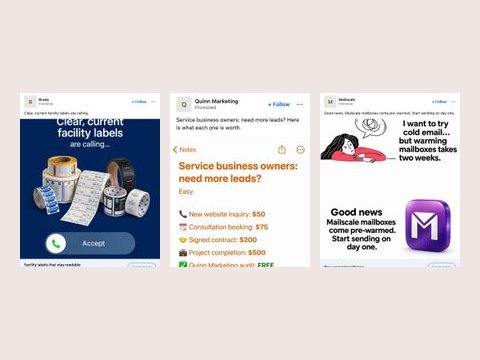
Drop a picture and get a LinkedIn sponsored post mockup: company, Promoted, intro text, headline and button, desktop or mobile. Download a PNG.
A mockup shows the ad. Selzee makes it.
Drop your URL and Selzee finds the ad formats working right now and remakes them for your brand, with new ads every day. Free to start, no card needed.
Get started for free