 Add to Chrome
 Facebook Hashtag Generator (FREE TOOL)
Paste your post or say what it is about. Add your Page name for branded hashtags. You get hashtags in groups, from your brand down to the wider topic, each one a word Facebook turns into a link.
- Free
- No login
- No credit card
More details (optional)
Add it to get branded hashtags.
What you type is sent to an AI model. Every hashtag comes back as one word Facebook can link.
This is as far as the tool gets with what you typed.
Add any one of these and run it again:
That is the free batch for this page. Reload for another set, or start free with Selzee .

Built and checked by Marián Cabadaj. Last checked October 2026.
What the rules here come from
Facebook Help Center, how do I use hashtags on Facebook? for the one word rule, numbers, the characters that do not work, and how hashtag feeds and search work.
The posts on this page follow the same rules the tool runs.
The short answer
- On Facebook, a hashtag must be one word with no spaces. Numbers work. Punctuation and symbols like $ and % do not. Every hashtag this tool returns follows that rule.
- A phrase becomes one word in CamelCase, like #WoolSlippers, so it stays easy to read.
- Specific beats popular. A hashtag that names your product, your place or your crowd brings people who care about the post.
- Facebook publishes no number to use. We suggest 3 to 5 per post: one branded, two or three specific, one broad.
Our articles are still written by HUMANS! Get human written articles in your Google feed.
Add as preferred sourceWhat do Facebook posts with good hashtags look like?
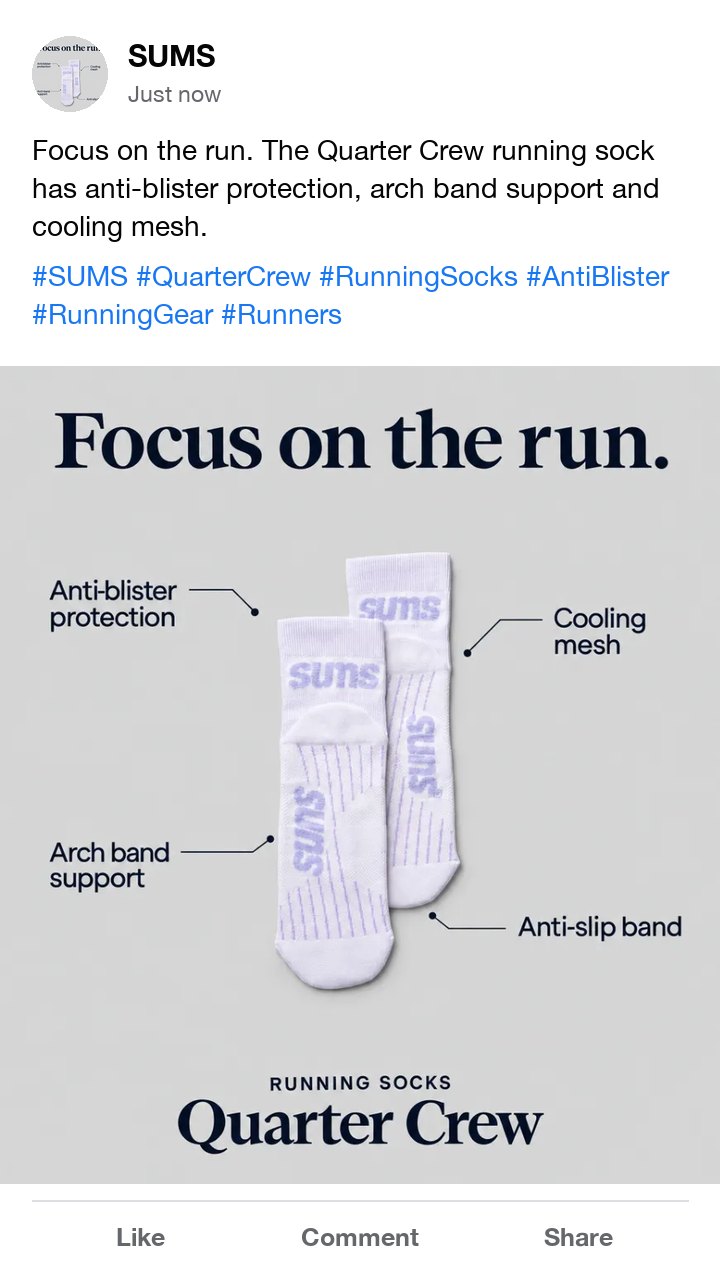
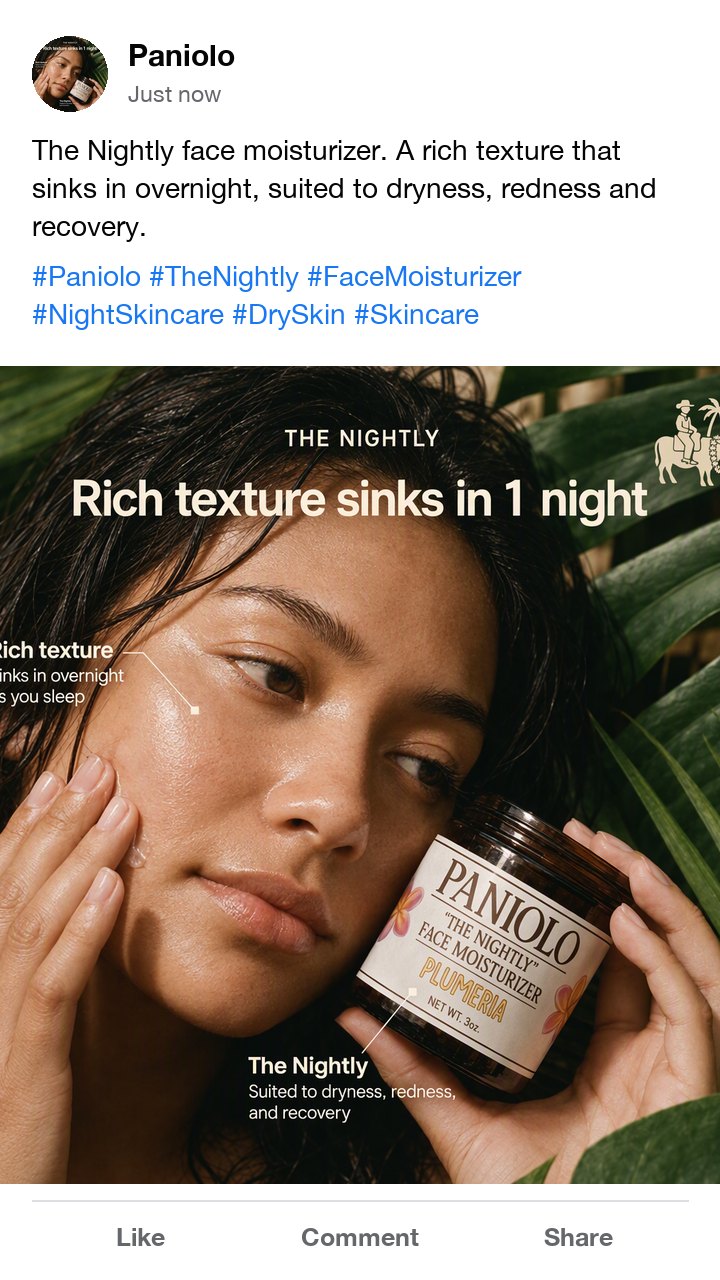
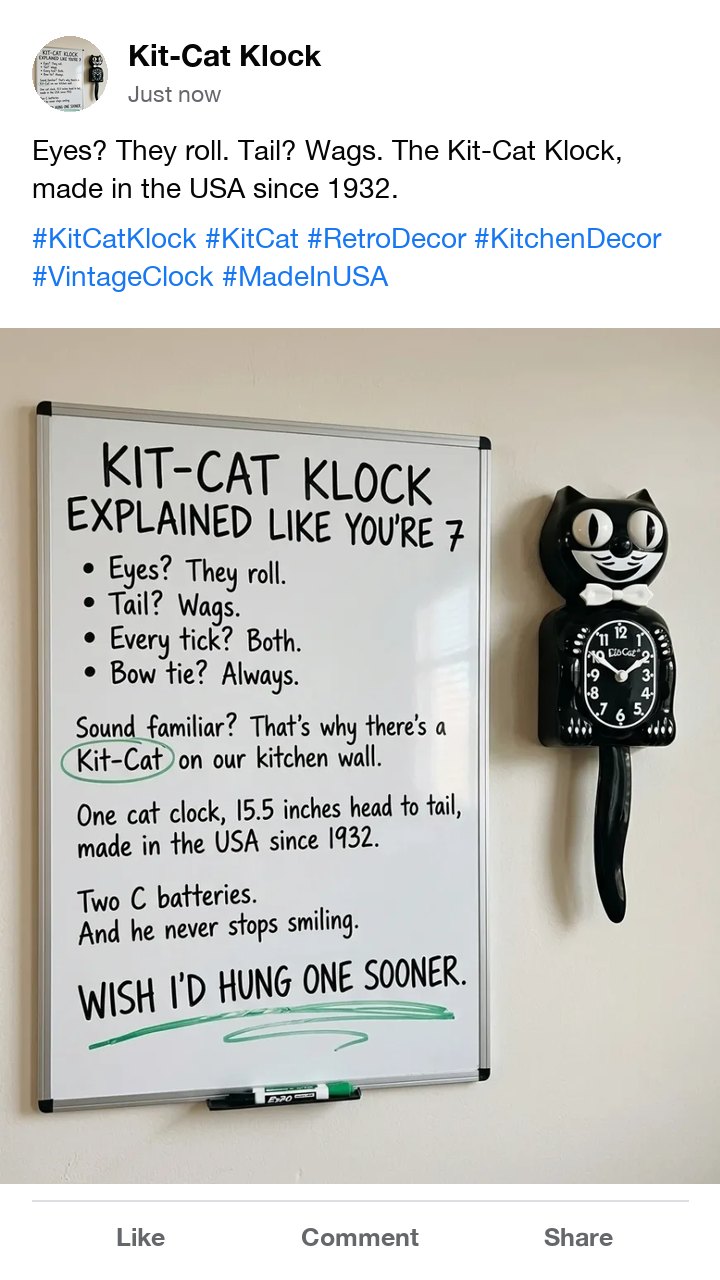
Eight ads from the Selzee gallery, each set as a Facebook post with a caption from the ad's own words and hashtags written to the same rules the tool runs. Under each: how many hashtags it carries.
Do hashtags work on Facebook?
Yes, in a narrow way. Meta says hashtags turn topics and phrases into clickable links in posts on a profile, a Page or a group. A click opens a feed of posts with the same hashtag, and people can search a hashtag from the search bar.
That feed still follows each post's audience. A person sees a post in it only when the post was shared with them, so a public Page post can show up and a friends-only post cannot.
So a hashtag on Facebook is a label, not a reach button. It helps the people who already look for that topic find your post, and it tells a reader what the post is about at a glance.
Which hashtags fit which Facebook post?
Start from the post type, then make it yours. The example hashtags are made up to show the shape; the tool writes from what you paste, never from these.
| Post | Start with | What the hashtags name | An example |
|---|---|---|---|
| Product launch | Branded, then product | Your brand, the product name, the product type | #HearthAndWool #WoolSlippers |
| Local business | Place first | The town or area, what you do there | #AustinCoffee #EastAustin |
| Event or sale | Event name | One hashtag for the event that every post reuses | #SpringMarket2027 |
| Group post | Topic | The topic the group already talks about | #Sourdough #HomeBaking |
| Customer photo or review | Branded | The hashtag you ask customers to use | #HearthAndWoolAtHome |
What makes a Facebook hashtag link?
Meta's rule: one word with no spaces. #wool slippers is not one hashtag. The tool joins a phrase into one word.
Numbers are fine, like #Gift2026. A hashtag of only numbers names no topic, so the tool drops it.
Punctuation and symbols like $ and % do not work, so #50%off is not one hashtag. The tool takes them out and joins what is left: #50Off.
Capital letters help people read a joined phrase. #WoolSlippers reads faster than #woolslippers.
Keep it short. The tool drops anything over 30 characters, because nobody types a hashtag that long.
How do you use the Facebook hashtag generator?
-
Paste your post
Or say in a sentence what the post shows and who it is for.
-
Add your Page name
Optional, under "More details". Only then do you get branded hashtags.
-
Pick and copy
Click a hashtag to leave it out. Copy all puts the rest on your clipboard with spaces.
How do you pick hashtags that bring the right people?
Name the product, not the mood
#WoolSlippers finds buyers. #Cozy finds everyone and no one.
Keep one branded hashtag
Use the same one on every post, so the hashtag feed becomes your gallery.
Use the place for local
A town or area hashtag reaches the people who can visit.
Put them at the end
Write the post first. Hashtags on the last line keep the caption easy to read.
Skip the reach tags
Tags like #love or #viral name no topic. The tool never returns them.
Check the feed first
Click the hashtag on Facebook before you post. If the feed is about something else, pick another.
Who is this hashtag generator for?
Shops and DTC brands
Product and brand hashtags for launches, restocks and customer photos.
Local businesses
Place and service hashtags for a Page people find nearby.
Group admins and creators
Topic hashtags that match what a group already talks about.
Facebook hashtag generator: FAQ
Do hashtags work on Facebook?
How many hashtags should I use on Facebook?
How do I create a hashtag on Facebook?
Can a Facebook hashtag have spaces or symbols?
Should a business Page use hashtags?
Is this Facebook hashtag generator free?
How we checked
Last checked: 28 October 2026. The hashtag rules come from Meta's help page on hashtags.
- Thirteen clean cases were worked by hand: one word, a phrase joined in CamelCase, numbers, punctuation, $ and %, underscores, a number only, exactly 30 characters and one past it, two hashtags on one line, emoji only and accented letters. The code agrees with every one.
- The code drops repeats, generic reach tags such as #love and #viral, and any branded hashtag that does not contain the Page name you typed. With no Page name, there is no branded group.
- The set is capped at 12 hashtags, specific first, so the broad ones are dropped first when the model writes too many.
- Typical, boundary and hostile inputs ran through the real page with the model reply stubbed: an empty form, a one line post, a non-English post and an instruction typed into the post box.
- The model reply was stubbed in every test on this page. We did not grade live samples for this release.
Keep exploring
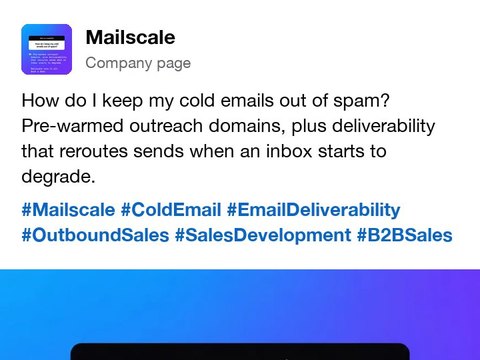
Paste a LinkedIn post and get hashtags for your industry, your role and the topic, each one a single word, with one Copy all.
Free Facebook image resizer. Pick feed, square, link, story or cover, fit the whole photo or crop it, and download a JPG or PNG at the exact size. Nothing is uploaded.
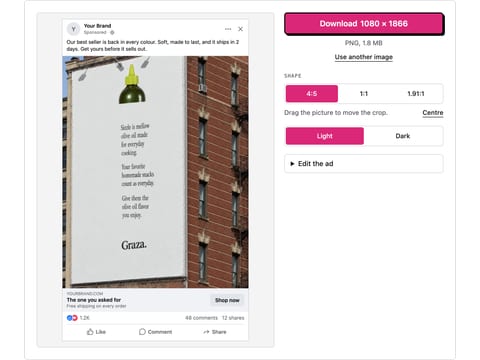
Drop a picture and get a realistic Facebook feed ad mockup: page name, primary text, headline, button and reactions, light or dark. Download a PNG. Nothing is uploaded.
Say who the account is for and get 5 Instagram bios, each inside the 150 character limit, with a count and a Copy button.
The post is tagged. Now the ad.
Selzee finds formats printing money right now and remakes them for your brand. New ads every day. Free to start, no credit card.
Get started for free