 Add to Chrome
 YouTube Transcript Extractor (FREE TOOL)
Paste the link of one YouTube video or Short. Get every line it says with its time, copy it as plain text, or download it as TXT or SRT. Then turn the best lines into your next hook or ad script.

Built and checked by Marián Cabadaj. Last checked October 2026.
What the caption rules here come from
ScrapeCreators, YouTube Transcript for which caption track a video returns, and that a video without captions has no transcript. A third party: the data source the tool calls.
YouTube Help, Use automatic captioning for how automatic captions are made and why a video may have none.
YouTube, Terms of Service for the rights to other people's videos.
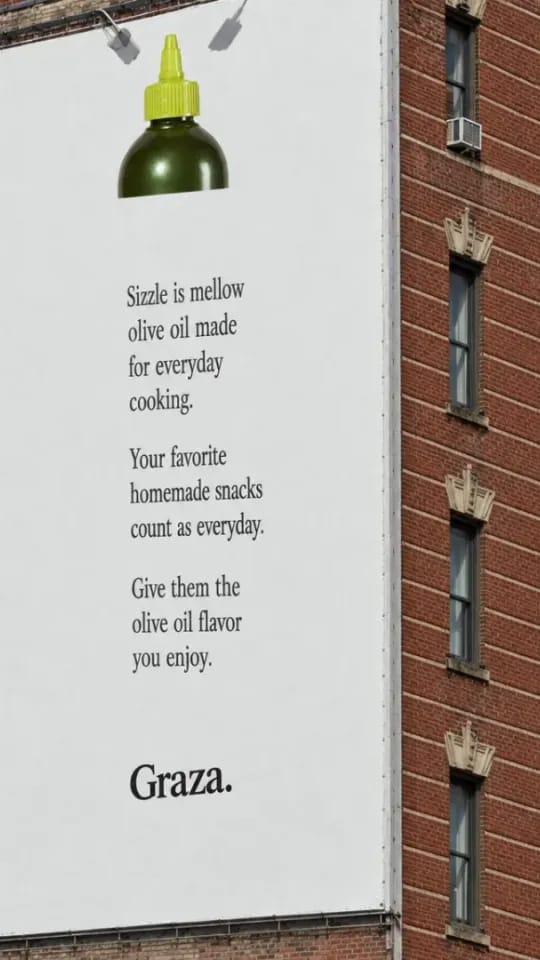
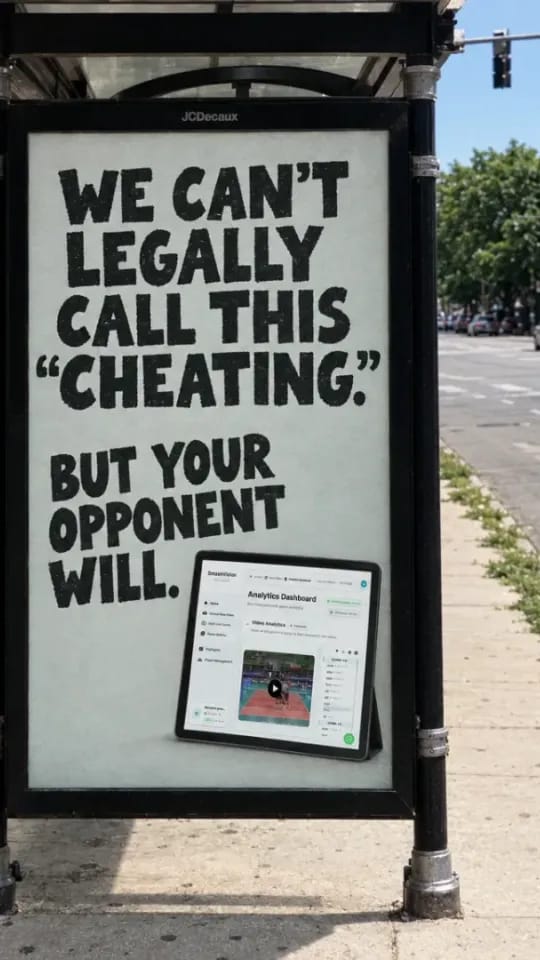
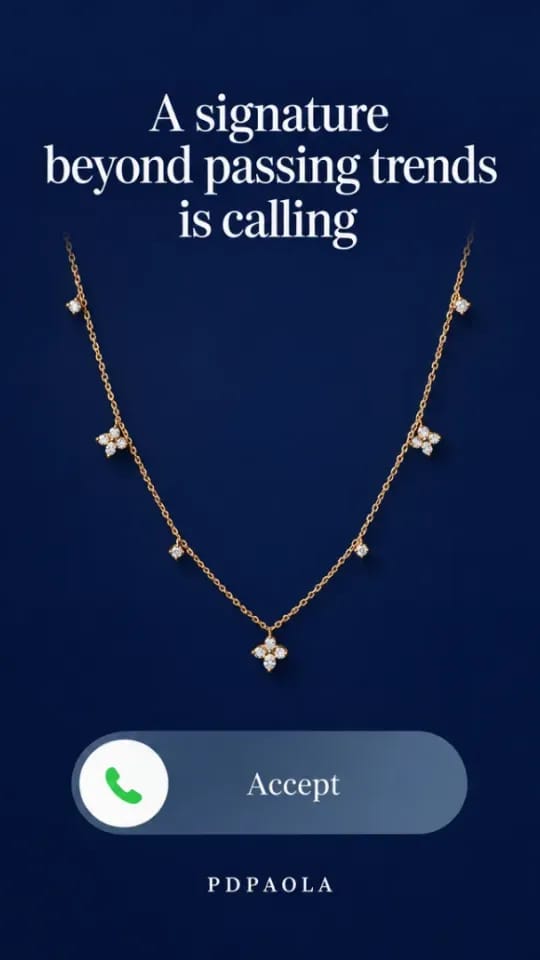
The example pictures on this page are ads from the Selzee gallery.
The short answer
- A YouTube transcript extractor takes the link of one video and gives you its words, line by line, with the time each line starts. It reads the captions YouTube already has for the video: the ones the creator uploaded or the automatic ones.
- When a video has no captions, the tool says so. When YouTube has several caption tracks, the tool takes the one in the language YouTube marks as the original audio, else the automatic one, the order ScrapeCreators documents for this data.
Our articles are still written by HUMANS! Get human written articles in your Google feed.
Add as preferred sourceExample result
Try an example loads Selzee's own video, Meta Ad Library: How to Use It in 2026. This is what comes back: every line with its start time, ready to copy or download.
Ads a team writes after it reads the transcript
A transcript shows the words that kept viewers watching. These are Selzee gallery ads built on that kind of line: a question or a plain promise. To write ten openers from one line, use the hook generator.
How to get the transcript of a YouTube video
-
Copy the video link
In the browser, copy the address bar. In the app, tap Share, then Copy link. A youtu.be link, a Shorts link and a watch?v= link all work.
-
Paste it here
The tool reads the captions and shows every line with its start time. Switch Timestamps off for one plain paragraph.
-
Copy or download
Copy the text, or save it as a TXT file or an SRT subtitle file. Then take the best lines to the hook generator or the video script generator.
Why a video has no transcript
YouTube's own reasons a video can have no automatic captions.
| What happened | What you can do | |
|---|---|---|
| Captions are still processing | Complex audio takes YouTube more time after upload. | Try again later. |
| The language is not supported | Automatic captions cover a set list of languages. | Only creator-uploaded captions can work. |
| The video is too long | YouTube may skip automatic captions on very long videos. | Look for a shorter cut or a clip. |
| The sound is poor | Noise or unclear speech the system does not recognise. | Nothing to fix from outside. |
| A long silence at the start | A video that opens on silence may get no automatic captions. | Nothing to fix from outside. |
| People talk over each other | Several speakers or languages at once. | Nothing to fix from outside. |
Verified 2026-10-30.
What marketers use it for
Research, briefs and your own videos.
A swipe file of openings
Paste the first lines of the videos that hold you to the end. Read them side by side and you see the pattern before you write your own.
Ad copy from a long video
A webinar, a podcast or a review already says why people buy. Pull the lines with a number or an objection in them and test them as headlines.
A script for your own video
Read how a competitor explains the product, then write your own version in your words with the video script generator.
Subtitles for your own uploads
Download the SRT of your own video and load it into your editor, or reuse it when you cut the video into Shorts and Reels.
From transcript to hook, script and ad
Take the opening line to the hook generator for ten new openers, or the whole argument to the video script generator for a script in your own words. For a video ad, the ad script templates show the shape most ads follow.
To skip the writing, Selzee makes the ads for you from your store URL, in your logo, fonts and colours.
Public videos, copyright and quoting
The tool reads public videos only. A private, members-only or deleted video has no public captions to read. YouTube's Terms of Service leave the rights to each video with the person who made it.
Read a transcript to learn how a video works. When you use someone else's words, quote short lines with credit, and write your own version for an ad. This is not legal advice.
YouTube transcript extractor: FAQ
How do I get the transcript of a YouTube video?
Can I download a YouTube transcript as a text file?
Does it work for YouTube Shorts?
Why does it say the video has no captions?
How accurate is a YouTube transcript?
Which language does the transcript come in?
Is the YouTube transcript extractor free?
How we checked
Last checked: 30 October 2026. We read the ScrapeCreators documentation for the endpoint the tool calls, which says which caption track it returns and that a video with no captions returns none, and YouTube's help on automatic captions for why a video may have none.
- Every way to write a YouTube link, Shorts and youtu.be included, is in one test file that the page and the server both read.
- The timestamps, the TXT and the SRT built from the documented example response are in automated tests.
- A video without captions, a missing video and a provider error each give their own message, also tested.
- The tool only sends a link rebuilt from the video ID. It never passes on the text you typed.
Keep exploring

Paste a TikTok video link and get what is said, with timestamps or as plain text. Copy it, or download TXT or SRT.
Drop a Reel you saved from Instagram and get the transcript with timestamps. Copy it or download a TXT or SRT file. Free, no sign-up, nothing is uploaded.
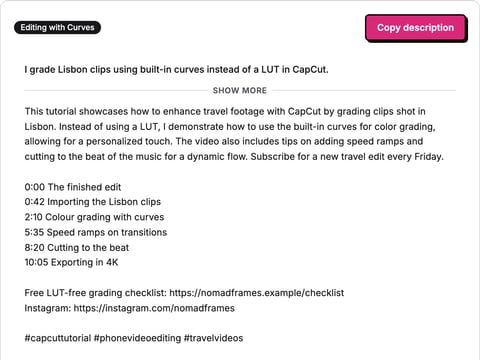
Write a YouTube description from what your video covers: opening lines for above the fold, your chapters and links, and three hashtags.
Read the script? Now make the ad
Selzee turns your store, your reviews and what wins in your market into ads in your brand. Free to start, no credit card.
Get started for free