 Add to Chrome
 TikTok Caption Generator (FREE TOOL)
Say what the video shows and what you sell. You get three captions with a hook as the first line and a few specific hashtags, cut to the limit of the place it runs: a post, a Spark Ad or an in-feed ad.
- Free
- No login
- No credit card
More details (optional)
The tool only uses a price, an offer or a number if you type it here.
This writes the caption under your video, not subtitles on it. What you type is sent to an AI model. Nothing is posted.
This is as far as the tool gets with what you typed.
Add any one of these and run it again:
That is the free batch for this page. Reload for another set, or start free with Selzee .

Built and checked by Marián Cabadaj. Last checked October 2026.
What the limits here come from
TikTok for Developers, Content Posting API: Direct Post for the 2,200 character caption limit in UTF-16 and the hashtags and mentions inside it.
TikTok Ads Manager help, TikTok Auction In-Feed Ads for the in-feed ad caption with no links, @ mentions or hashtags, and the Spark Ad caption taken from the post.
TikTok Ads Manager help, TopView for the 4 lines before "See more", ad text within 100 characters, and emoji and full-width characters counting as 2.
The frames on this page follow the same placement rules the tool runs.
The short answer
- A TikTok caption is the text under the video, and TikTok caps it at 2,200 characters for a post, hashtags included. The first line is what a viewer reads first, so this tool makes it the hook.
- An ad caption is shorter. TikTok shows 4 lines, then "See more", and suggests keeping ad text within 100 characters. An in-feed ad that is not a Spark Ad supports no hashtags, @ mentions or links.
- This generator writes three captions for the place you pick, counts them the way TikTok does, and builds each one on your product and what the video shows.
- The same tool works if you searched tiktok hashtags generator or hashtag generator tiktok: every caption comes with hashtags for that video.
Our articles are still written by HUMANS! Get human written articles in your Google feed.
Add as preferred sourceOne ad line in three TikTok placements
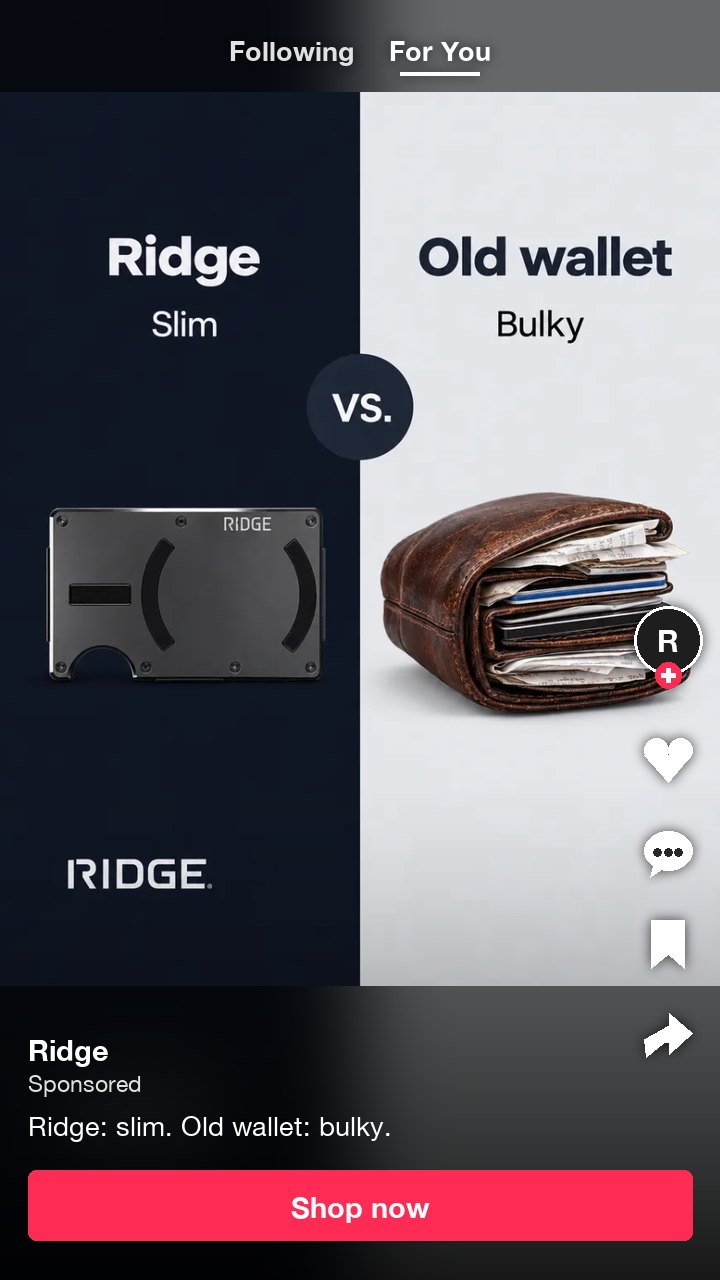
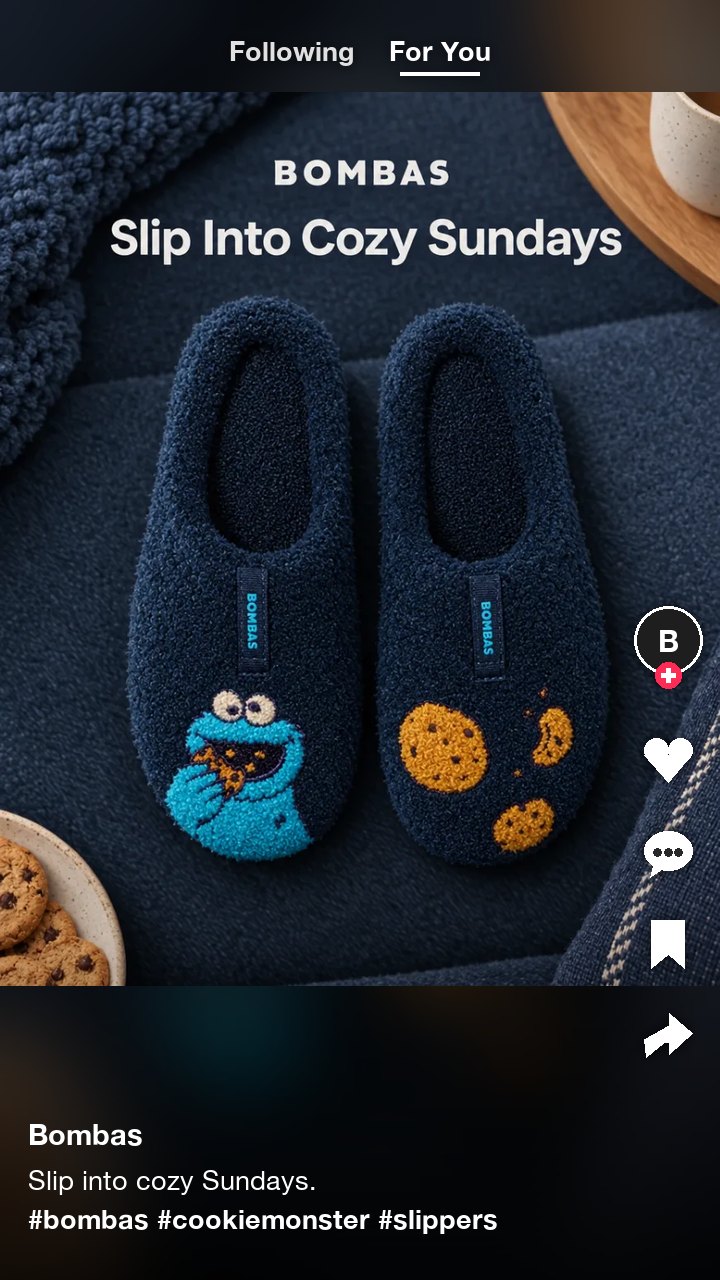
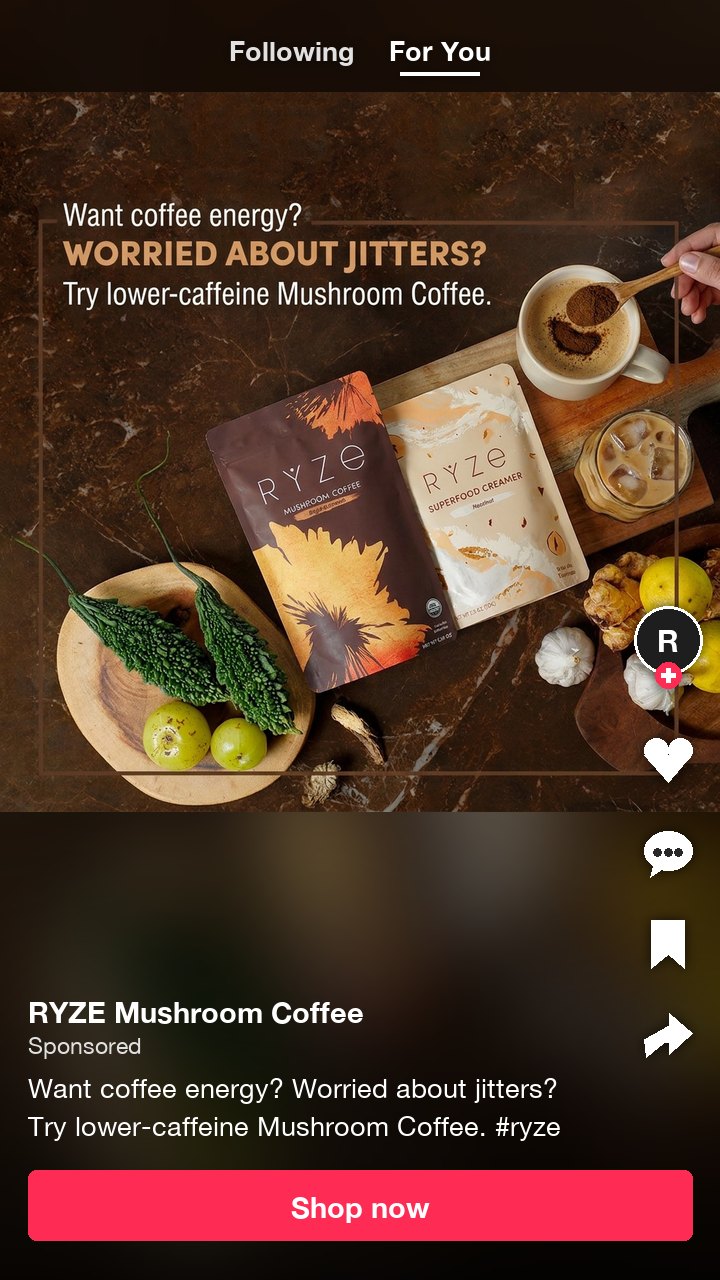
Eight ads from the Selzee gallery, each set on a TikTok screen with the ad's own line as the caption. A post keeps its hashtags on a line of their own; a Spark Ad keeps the text and the hashtags together under 100 characters; an in-feed ad carries no hashtag at all.
TikTok caption limits by placement
What the generator writes to, read from TikTok's Content Posting API reference and the Ads Manager help for in-feed ads and TopView on 21 October 2026.
| Placement | Length | Hashtags and mentions | Source |
|---|---|---|---|
| Organic post | 2,200 characters, counted in UTF-16, hashtags and @ mentions included | Hashtags and mentions allowed | TikTok Content Posting API |
| Spark Ad | The post's own caption; 4 lines show, then "See more". Keep it under 100 characters | Hashtags and mentions allowed | TikTok Ads Manager help, in-feed and TopView specs |
| In-feed ad (not Spark) | At most 100 characters in one white font; an emoji or a full-width character counts as 2 | No hashtags, no @ mentions, no links | TikTok Ads Manager help, in-feed and TopView specs |
Verified 2026-10-21.
TikTok caption or subtitles: what this tool writes
A TikTok caption is the post text: the words, hashtags and mentions under the video, next to the account name. Subtitles, which TikTok also calls captions, are the words on top of the video that follow what is said.
This tool writes the first kind. It reads what the video shows and what you sell, and writes the text a viewer reads before they decide to watch, comment or tap the button. For on-screen subtitles you need a transcription tool that listens to the audio, which is a different job.
The two meet in one place: TikTok's safe zone. The caption covers the bottom of the video, so keep text in the picture out of that area. The TikTok safe zone checker shows what the caption and the buttons cover.
How to use the TikTok caption generator
-
Say what the video shows
The product, the moment, the result. Add the brand in the box under it.
-
Pick where it runs
A post, a Spark Ad or an in-feed ad. Each has its own length and hashtag rules.
-
Copy the caption you like
Three come back, each on a different angle, with the count against the limit.
TikTok hashtag generator: how many and which
TikTok counts hashtags inside the caption: the Content Posting API says hashtags and mentions in the caption are matched, and the 2,200 character limit covers the whole text. TikTok does not publish a best number of hashtags.
This generator writes 3 to 5 hashtags for a post, 1 or 2 for a Spark Ad and none for an in-feed ad. Each one names the product, the brand or the niche, so it describes this video. It never writes #fyp, #foryou or #viral: a tag that fits every video says nothing about yours.
Want only hashtags? Run the tool, then copy the last line of the caption you like. For a post, that line is the hashtags alone.
How to write a TikTok caption that sells
Put the product in the first line
The first line is read first. Name the thing, the problem or the number there.
Write the caption for the placement
A post can run long. An ad gets 4 lines before "See more", so the point goes first.
Give the tool real details
A price, an offer or a customer comment in the details box makes every caption specific.
Keep hashtags specific
The product, the brand, the niche. A generic tag describes every video, not yours.
End on one ask
Shop, try or answer one question. Two asks in one caption split the click.
Read it out loud
If the first line would fit any product in your category, pick another caption.
Who this caption generator is for
Brands that sell on TikTok
Captions built on the product and the offer, for posts and for ads.
Media buyers
Ad text under 100 characters with no hashtag, ready for the ad text field.
Creators with a sponsor
A caption that names the product without sounding like a script.
TikTok caption generator: FAQ
How long can a TikTok caption be?
How many hashtags should I use on TikTok?
What is the difference between a TikTok caption and subtitles?
Can you use hashtags in TikTok ads?
What should a TikTok caption say to sell a product?
Why does the first line of a TikTok caption matter?
Is this TikTok caption generator free?
How we checked
Last checked: 21 October 2026. The post limit comes from TikTok's Content Posting API reference; the 4 lines, the 100 character ad text and the 2 character emoji from the TopView specs; the no hashtag rule for in-feed ads from the in-feed ad specs, each read at the source.
- The count was worked by hand on seven cases, including an emoji, an accented letter and full-width characters in an ad, and the tool and the page agree with every one.
- Four fit cases were worked by hand: a post, a Spark Ad that keeps its hashtag, a Spark Ad that drops it to stay under 100, and an in-feed ad that loses every # and @.
- The code that assembles each caption strips em and en dashes, links and generic tags, and sends a caption back once when its hook announces the video or it breaks a limit.
- Typical, boundary and hostile inputs ran through the real page with the model reply stubbed: an empty form, a one line video, a non-English video and an instruction typed into the video box.
- The eight frames above are Selzee gallery ads with their own lines as captions, laid out by the same placement rules the tool uses.
Keep exploring
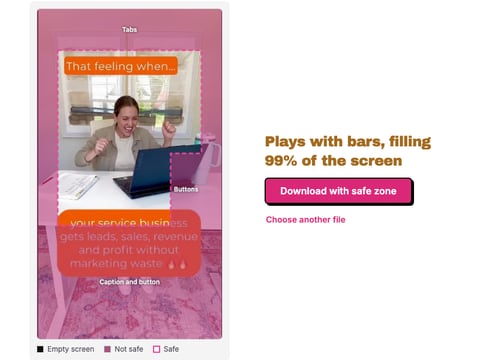
Drop a TikTok ad, image or video, and see what the tabs, buttons and caption cover, drawn on your own frame. Nothing is uploaded.
Paste a TikTok username or profile link and download the avatar in the largest file TikTok keeps, up to 1080 x 1080.
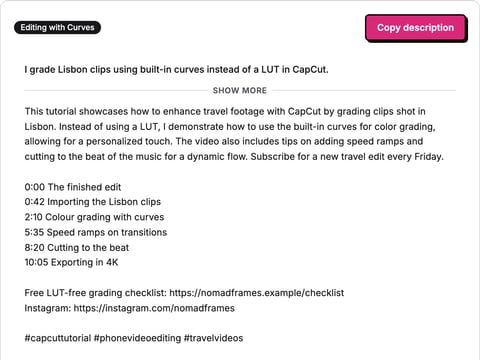
Write a YouTube description from what your video covers: opening lines for above the fold, your chapters and links, and three hashtags.
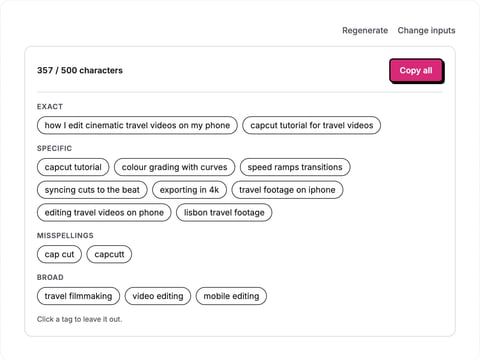
Type a video title and topic and get YouTube tags from specific to broad, counted against the 500 character limit, ready to paste.
The caption is ready. Now the ad.
Selzee finds formats printing money right now and remakes them for your brand. New ads every day. Free to start, no credit card.
Get started for free