
YouTube Tag Generator (FREE TOOL)
Type your video title and what it covers. You get tags ordered from specific to broad, counted against YouTube's 500 character limit, ready to paste into YouTube Studio.
- Free
- No login
- No credit card
More details (optional)
This is the one place tags help most: YouTube says they are useful when a word is commonly misspelled.
What you type is sent to an AI model to write the tags. Nothing is published.
This is as far as the tool gets with what you typed.
Add any one of these and run it again:
That is the free batch for this page. Reload for another set, or start free with Selzee .

Built and checked by Marián Cabadaj. Last checked October 2026.
What the figures here come from
YouTube Help, Add tags to your YouTube videos for what tags do, the misspelling case and where to add them in YouTube Studio.
YouTube Data API, the videos resource for the 500 character tag limit, and that commas and the quotation marks around a spaced tag count toward it.
YouTube Help, Edit video settings for the 100 character title limit the title field keeps to.
YouTube Help, Find playlists and videos using hashtags for how hashtags differ: up to three show by the title.
The examples on this page were made by the same code the tool runs.
The short answer
- A YouTube tag generator turns a video title and topic into tags for the tag field in YouTube Studio. This one orders them from the exact search phrase to broad topics and keeps the set under YouTube's 500 character limit.
- Tags are a small signal. YouTube Help says the title, thumbnail and description matter more, and that tags "play a minimal role in your video's discovery" unless the content is commonly misspelled.
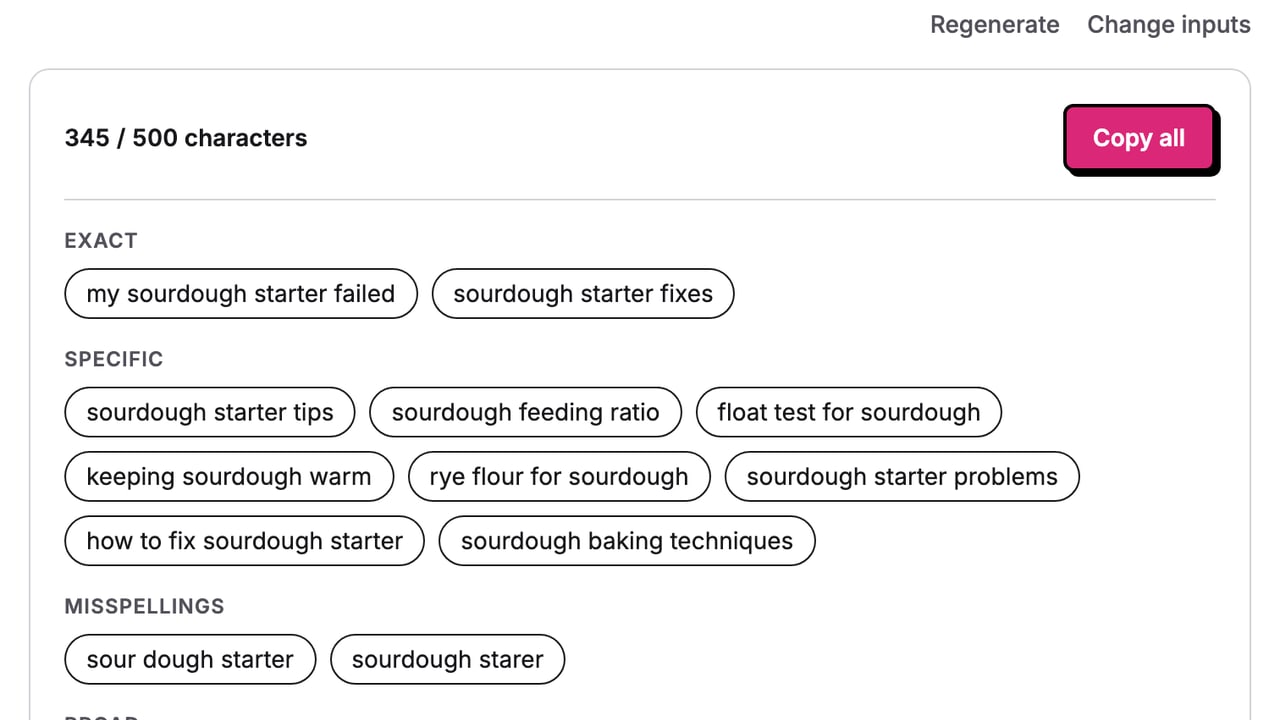
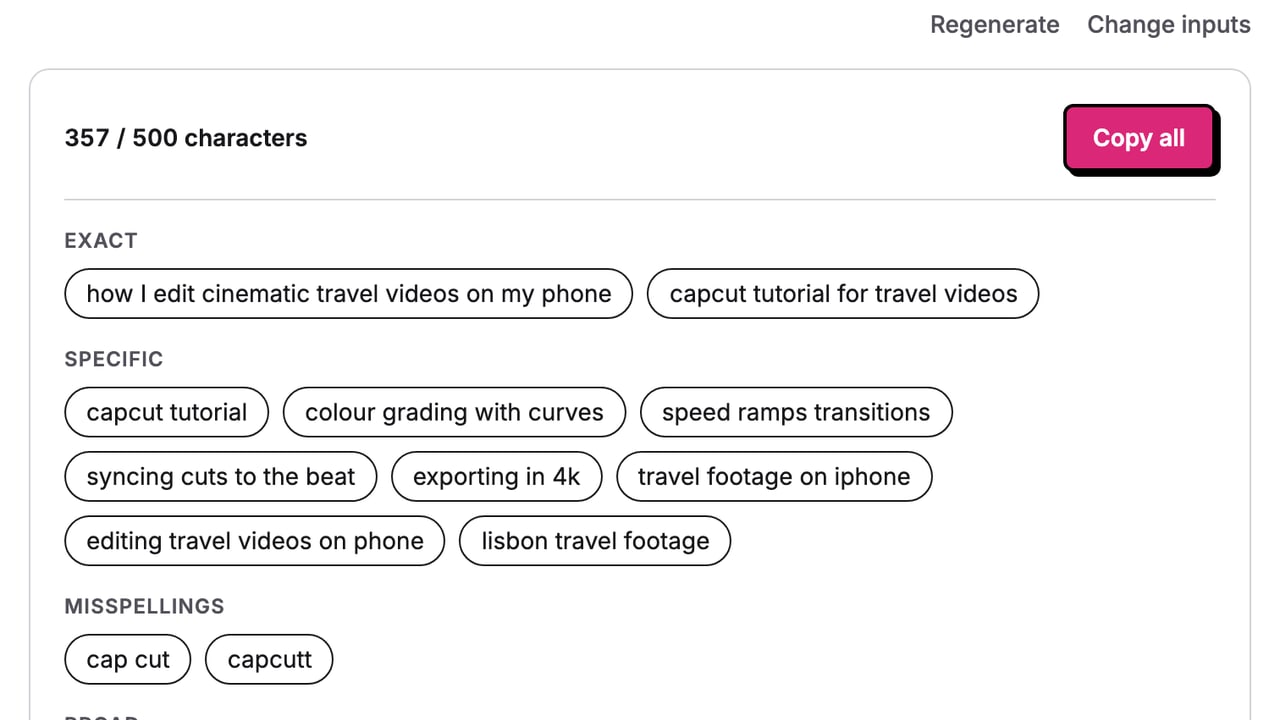
- Commas count toward the 500, and a tag with a space counts 2 extra characters, so "cap cut" uses 9. The tool counts the same way.
- The same tool works if you searched youtube tags generator or tag generator youtube.
Our articles are still written by HUMANS! Get human written articles in your Google feed.
Add as preferred sourceTags for three different videos
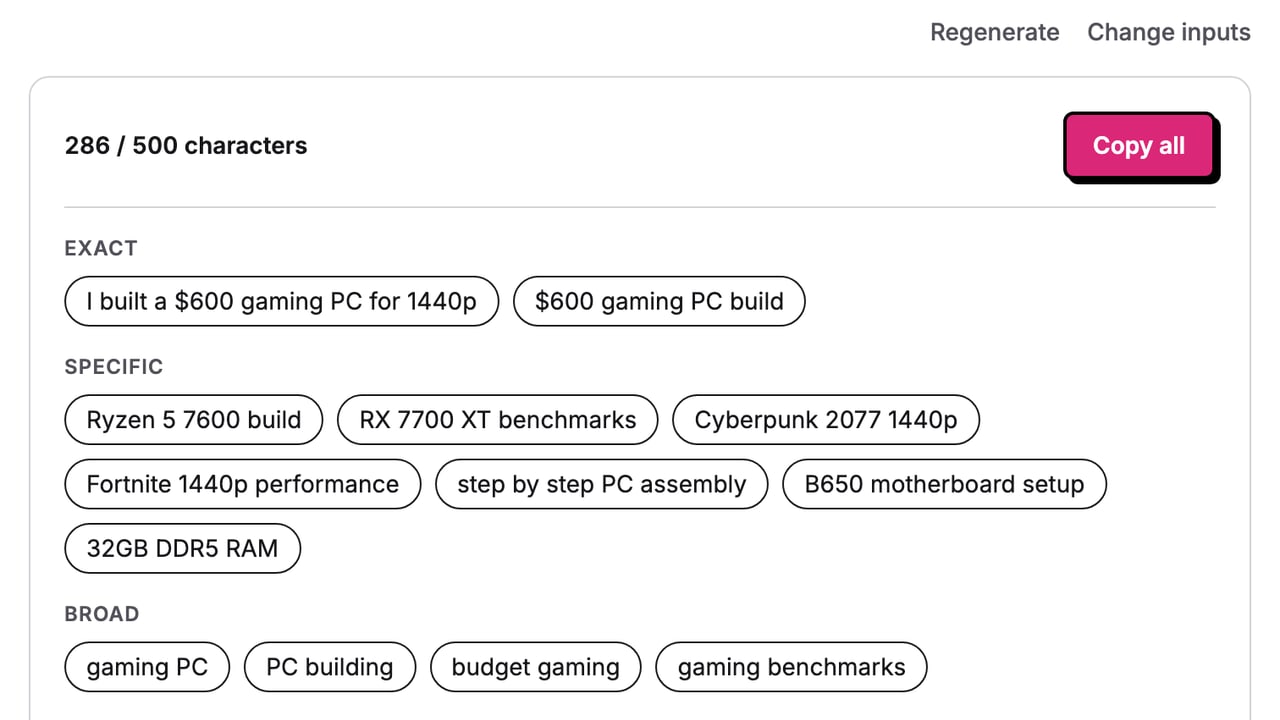
Each set was generated by this tool from a title and a sentence or two on the video. The description for the same video comes from the YouTube description generator.
What a YouTube tag does, and what it does not
YouTube describes tags as "descriptive keywords you can add to your video to help viewers find your content". The same page is plain about their weight: the title, thumbnail and description are the more important metadata, tags can help when the content is commonly misspelled, and otherwise they play a minimal role.
So a tag will not rank a video on its own, and nothing on this page promises it will. What a good set does is small: it puts the exact phrase and the common misspellings in a field YouTube reads, and it keeps out tags that have nothing to do with the video.
Spend the time you save on the title and the description. The description generator writes the opening lines viewers see before "Show more".
How the 500 characters are counted
The tag field holds 500 characters. Per the YouTube Data API, the commas between tags count, and a tag with a space is counted as though it were wrapped in quotation marks.
| Tags | Characters | How |
|---|---|---|
| Foo-Baz | 7 | 7, no space |
| Foo Baz | 9 | (7 + 2 quotes) |
| cap cut, capcut | 16 | (7 + 2 quotes) + 6 + 1 comma |
| capcut tutorial, phone editing, travel | 40 | (15 + 2 quotes) + (13 + 2 quotes) + 6 + 2 commas |
Verified 2026-10-13.
How to use the YouTube tag generator
-
Type the title and the topic
The title as you will publish it, and one or two sentences on what the video actually shows.
-
Add names and misspellings
Optional. Product, place and people names, and how viewers misspell them, the one case where tags help most.
-
Copy all and paste
Click a tag to leave it out. The count updates, and Copy all gives the comma separated list Studio takes.
YouTube tags: where to put them in YouTube Studio
-
Open the video in YouTube Studio
Sign in to YouTube Studio, choose Content in the left menu, then click the video.
-
Click Show more
On the video's details page, Show more opens the rest of the fields. The Tags box is one of them.
-
Paste and save
Paste what "Copy all" gave you. Studio splits it on the commas into separate tags. Then save.
Why use a tag generator
The 500 characters fill faster than you think
Every comma counts, and a two-word tag costs two extra characters. The count here is YouTube's, not a plain letter count.
Specific first, so the cut is safe
The set runs from the exact phrase to broad topics. If you trim, trim from the end and the useful tags stay.
Misspellings only when they are real
The tool writes a misspelling only when you type one in. An invented typo is a tag nobody searches.
No tag for a topic the video skips
Every tag is built from your title, topic and notes. YouTube's spam policy does not allow metadata made to mislead viewers.
How to get tags worth keeping
-
Write the topic like a viewer would
Name the tool, the place, the device or the problem. "Grading Lisbon clips in CapCut" gives better tags than "editing tips".
-
Put the misspellings in the notes
Brand names and foreign words get typed wrong. YouTube says that is when tags are useful.
-
Keep the exact phrase in the title too
Tags are minor metadata. The phrase you want to be found for belongs in the title and the first lines of the description.
-
Leave out other creators' names
A tag for a channel the video is not about misleads viewers, and YouTube's spam policy does not allow that.
-
Do not paste tags into the description
YouTube Help says excessive tags in the description are against its spam policy. Tags go in the Tags box only.
Who this tag generator is for
Creators uploading every week
The tags box is the last field before publish. A set you can paste in seconds is one less thing to skip.
Channels with a hard-to-spell name
Brands, foreign words and product names are where viewers mistype, and where tags earn their place.
Social managers posting for a brand
The same video goes to YouTube, Shorts and other platforms. This handles the one field only YouTube has.
What every set gives you
Four groups, in this order, so the list reads from your exact phrase out to the topic around it.
Exact
The main search phrase of your title, word for word, and one natural rewording of it.
Specific
Longer phrases built on the concrete things in your topic: the tool, the method, the place, the problem.
Misspellings
Only the spellings you typed in the notes. Without them this group is left out on purpose.
Broad
The wider category, last in the list, so it is the first to go if you trim.
YouTube tag generator: FAQ
Do YouTube tags still matter?
What is the character limit for YouTube tags?
How do I add tags to a YouTube video?
What is the difference between tags and hashtags on YouTube?
How many tags should a YouTube video have?
Should I add misspellings as tags?
Is this YouTube tag generator free?
Watch: are YouTube tags important?
How we checked
Last checked: 13 October 2026. What tags do comes from YouTube Help, read at the source; the 500 character limit and the counting rule come from the YouTube Data API reference.
- The count was worked by hand on the two examples the API page gives, Foo-Baz at 7 and Foo Baz at 9, plus four limit cases, and the tool agrees with every one.
- We recorded 10 live runs on one test video and checked each for the four groups in order, no tag twice, no hash signs, and the 500 character limit.
- A different model from the one that writes the tags graded every run for relevance, specificity and invented names.
- Typical, boundary and hostile inputs ran through the real page: an empty form, a 100 character title, a non-English title and an instruction typed into the notes.
- The three example sets above were generated by this tool on 13 October 2026.
Keep exploring
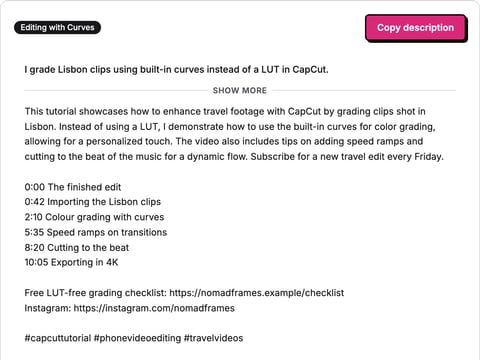
Write a YouTube description from what your video covers: opening lines for above the fold, your chapters and links, and three hashtags.
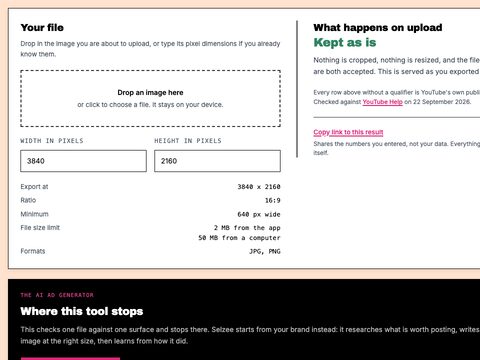
Drop a thumbnail in, see what YouTube does to it, and resize it to 1280 x 720, 4K or Shorts under the size limit. Nothing is uploaded.
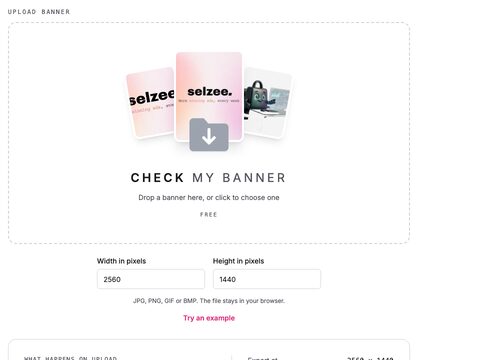
See the 2560 x 1440 crop and the 1235 x 338 safe area YouTube keeps on every device, drawn on your own banner. Nothing is uploaded.
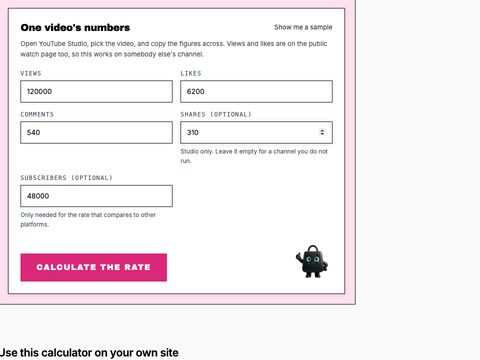
Calculate a YouTube engagement rate by views and by subscribers, with the interactions per 1,000 views and the comment share.
Tags are done. Now the ads.
Selzee finds formats printing money right now and remakes them for your brand. New ads every day. Free to start, no credit card.
Get started for free