Free tool
YouTube Banner Size Checker (FREE TOOL)
Drop your channel banner in and see what YouTube crops, and the centre strip it keeps safe on every phone, computer and TV. Nothing is uploaded.

Upload banner
No file? Type a size
JPG, PNG, GIF or BMP. The file stays in your browser.
Details and full spec
- Ratio
- 16:9
- Minimum
- 2048 x 1152
- Safe area (at 2048 x 1152)
- 1235 x 338, centred
- File size limit
- 6 MB
- Formats
- JPG, PNG, GIF, BMP
The short answer
- A YouTube banner is the wide image across the top of a channel page. YouTube recommends 2560 x 1440 pixels at 16:9 and refuses anything under 2048 x 1152. The file has to be 6 MB or less.
- Only the centre strip is safe on every device: 1235 x 338 on a 2048 x 1152 file, about 1544 x 423 on a 2560 x 1440 one.
- A TV shows the whole banner; a phone may show little more than that strip.
Get Selzee's guides in your Google results.
Add Selzee as a preferred sourceTwo banners, three views
Colin and Samir's banner and Codie Sanchez's, run through this checker. The LinkedIn banner and the Facebook cover have their own shapes: see the LinkedIn banner size checker and the Facebook cover photo size checker.

Every YouTube banner figure
What the checker grades against. A row with no qualifier is YouTube's own figure.
| Figure | |
|---|---|
| Export at | 2560 x 1440 |
| Ratio | 16:9 |
| Minimum | 2048 x 1152 |
| Safe area | 1235 x 338, centred (at 2048 x 1152) |
| File size limit | 6 MB |
| Formats | JPG, PNG, GIF, BMP (not in the banner guidelines) |
Verified 2026-09-29.
Four real banners, four results
Measured on 29 September 2026, the largest file each channel page serves.
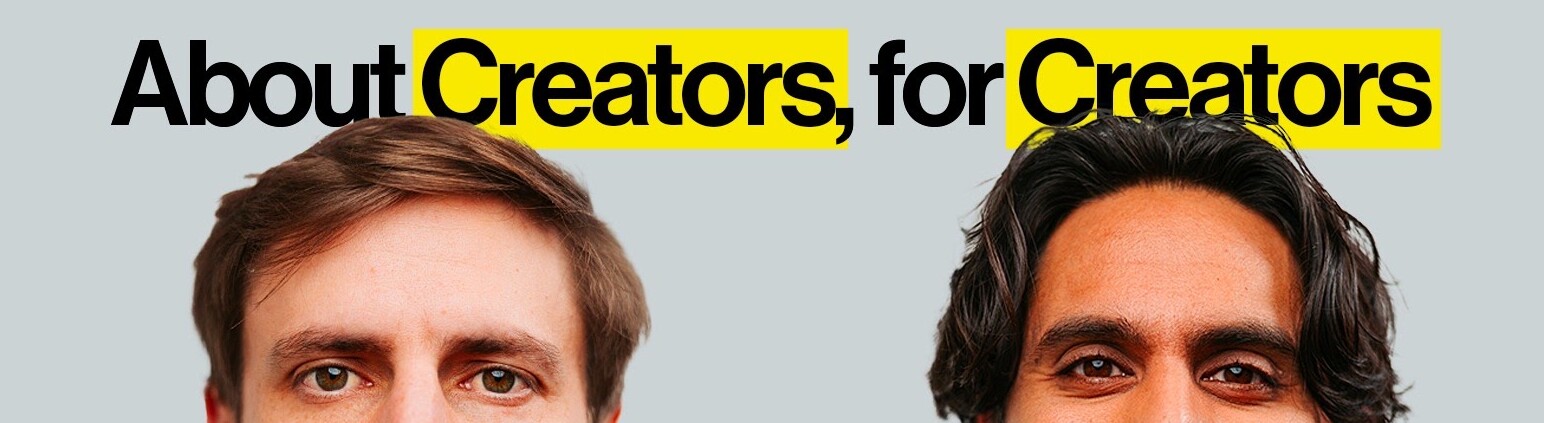
Colin and Samir, 2560 x 1440
The recommended size and shape, 305 KB, far under 6 MB. The safe strip keeps their headline but cuts both faces at the eyes.
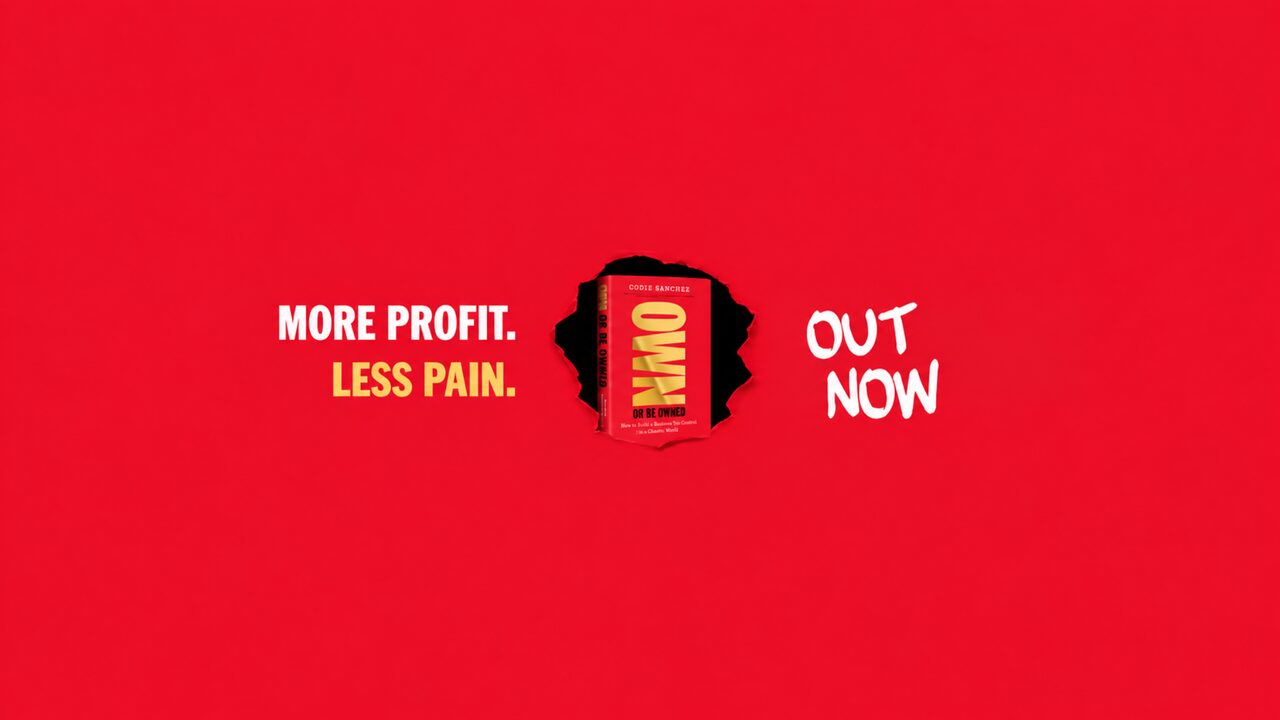
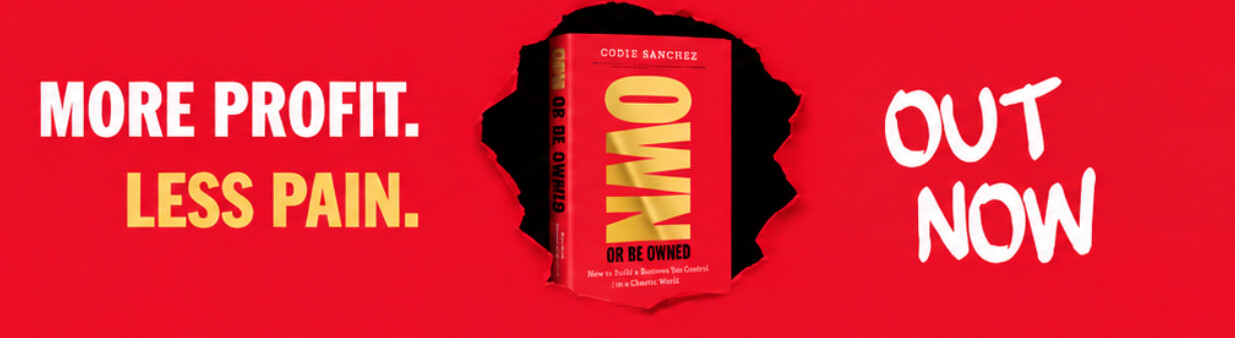
Codie Sanchez, 2048 x 1152
The exact minimum at 16:9, 1.4 MB. The safe strip is exactly 1235 x 338, and the book and both lines of text sit inside it.
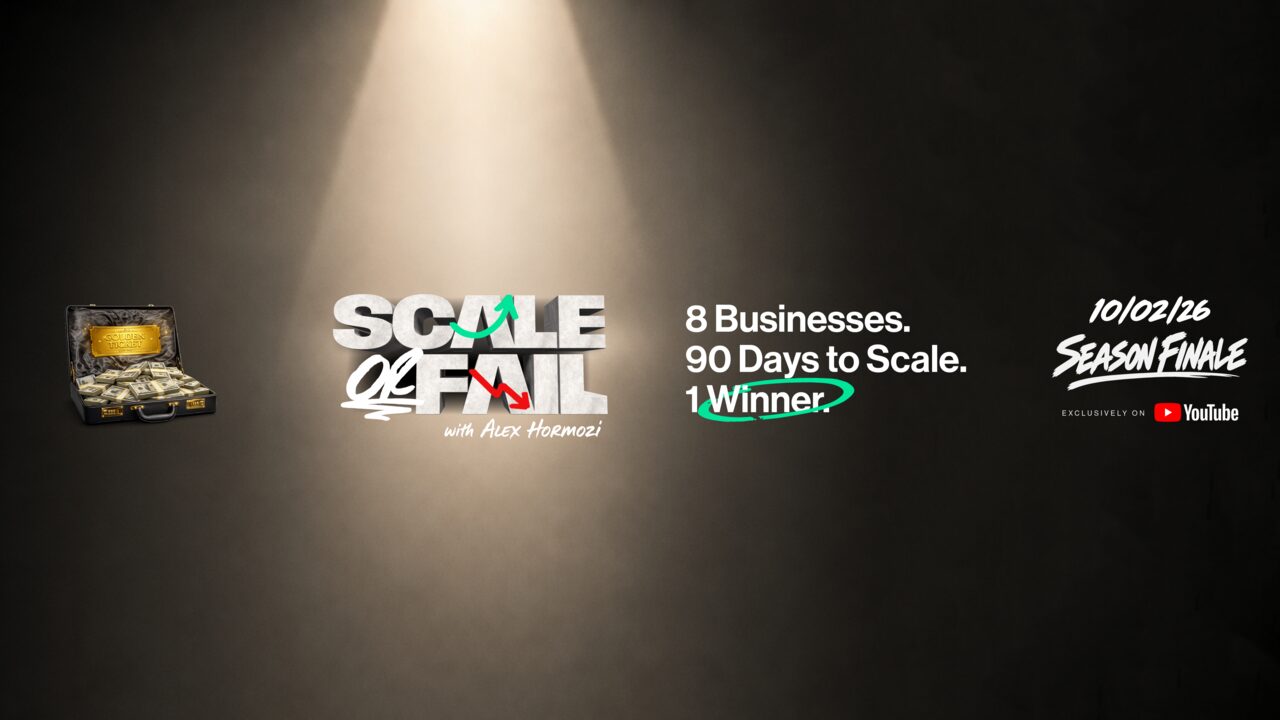
Alex Hormozi, 5121 x 2880
Twice the recommended size at 16:9, 3.5 MB, under the 6 MB limit. The logo and the tagline sit inside the centre strip.
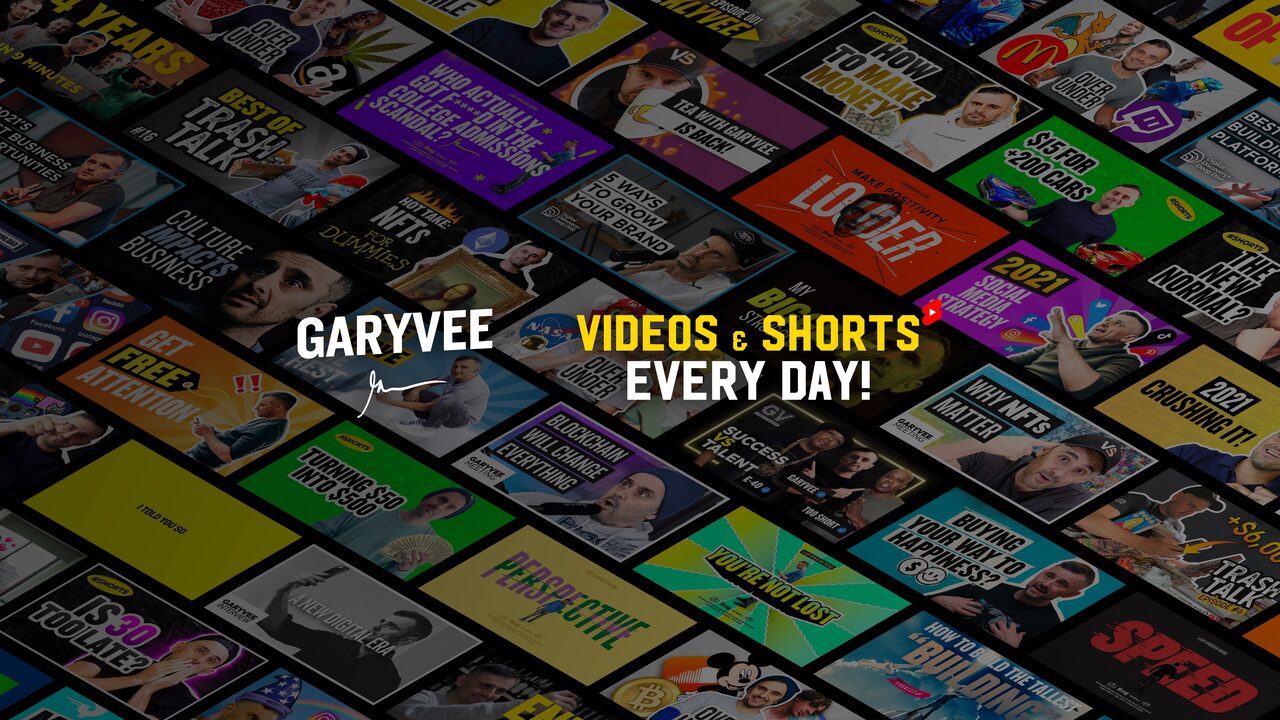
Gary Vaynerchuk, 7111 x 3999
Almost three times the recommended width at about 16:9, 3.5 MB, under 6 MB. The name and the line of text sit inside the centre strip.
How to check a YouTube banner
-
Drop the banner in, or type the size
The checker reads the file in your browser, so nothing leaves your device and nothing is uploaded.
-
See what YouTube does with it
Refused, cropped, resized or kept, with every problem listed and the safe area drawn on your own banner.
-
Download it at the right size
If the file needs a fix, one button returns it cut to 16:9, at least 2048 x 1152 and under 6 MB.
Why check a banner before you upload
One file has to work on the biggest screen and the smallest one, and YouTube decides the crop for each.
Two safe area numbers, one box
YouTube prints 1235 x 338. Most guides print 1546 x 423. Both are right: they are the same strip on a 2048 x 1152 file and on a 2560 x 1440 one.
A TV shows everything, a phone may not
The same file is cropped for every screen. Design for the TV alone and your channel name can land in the part a smaller screen cuts away.
Old templates still circulate
1024 x 576 templates are still shared, but YouTube now asks for at least 2048 x 1152, so they start at half the width a banner needs.
Why two safe area numbers are both right
Search for the YouTube banner safe area and you find two answers. YouTube's own help page says 1235 x 338. Most of the guides that rank for the question say 1546 x 423.
Neither is wrong. YouTube gives its figure "at the minimum dimension", a 2048 x 1152 upload. Scale that same strip up to the recommended 2560 x 1440 and it becomes about 1544 x 423, within two pixels of the number the guides print. It is one box, measured on two canvases: about 60% of the width and 29% of the height, in the centre.
The other image every channel needs: the thumbnail checker
The banner next to every other surface: the table of every surface
How to export one that survives
-
Build at 2560 x 1440
That is YouTube's recommendation, and the size a TV shows in full. Anything that is not 16:9 is cropped from the centre.
-
Put every word and logo in the centre strip
On a 2560 x 1440 canvas that strip is about 1544 x 423, centred. Treat everything outside it as background you can lose.
-
Fill the edges with something that can go
A texture, a colour or a wide photo. It shows on a TV and costs nothing when a phone crops it away.
-
Keep the file under 6 MB
A photo saved as PNG at 2560 x 1440 can pass the 6 MB limit. If the checker flags the size, export as JPG instead.
-
Check it before you upload
YouTube Studio shows a preview only after the upload. The checker shows the same problem before you export at all.
Who this checker is for
Creators setting up or rebranding a channel
The banner is the first thing a new viewer sees on the channel page, and the crop stays invisible until it is live on a phone.
Brands running a YouTube channel beside other socials
The X header, the LinkedIn banner and the YouTube banner are three different shapes, so each one needs its own export.
Designers handing a banner to someone else
The person who uploads a banner is rarely the person who made it, so one check before handover saves a second upload.
What the checker tells you
Every check returns the same four things, so the answer has the same shape whichever file you drop in.
The verdict
Refused, cropped, resized or clean. One line that says what YouTube does to this exact file, before you upload it.
The problems
All of them, worst first, not only the first one. A file can be the wrong type and too small at once.
The preview
Drawn on your own image: the 16:9 crop dimmed, and the area outside the safe strip marked as the part that may be cropped.
The fix
Export at 2560 x 1440. It says what to export again, and where a new export will not help because the detail is missing.
Frequently asked questions
What size is a YouTube banner?
What is the YouTube banner safe area?
Why does my YouTube banner look cut off on my phone?
Is 1024 x 576 still a valid YouTube banner size?
What file types can I use for a YouTube banner?
What is the aspect ratio of a YouTube banner?
How many MB can a YouTube banner be?
Watch: sizing a YouTube banner
How we checked these figures
Last checked: 29 September 2026. Every figure on this page comes from YouTube Help, read at the source, not from other size charts; the file types are marked because the banner guidelines list none. We ran the checker on four real channel banners on 29 September 2026.
To save the thumbnail of a video instead, use the YouTube thumbnail downloader.
- A banner under 2048 x 1152 is refused.
- The shape is 16:9 and anything else is cut from the centre.
- The file is 6 MB or less.
- The safe strip is drawn at 1235 x 338 on a 2048 x 1152 file and scaled to about 1544 x 423 on 2560 x 1440.
- File types are labelled as not in the banner guidelines.
Keep exploring
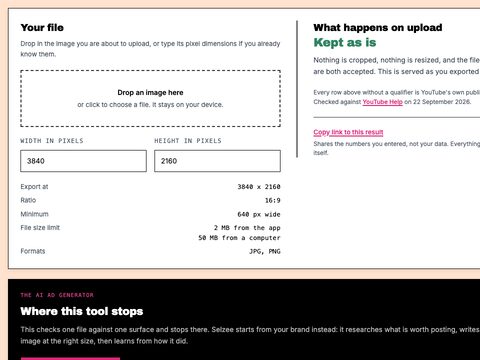
Drop a thumbnail in and see what YouTube does to it, against the current 3840 x 2160 spec. Nothing is uploaded.
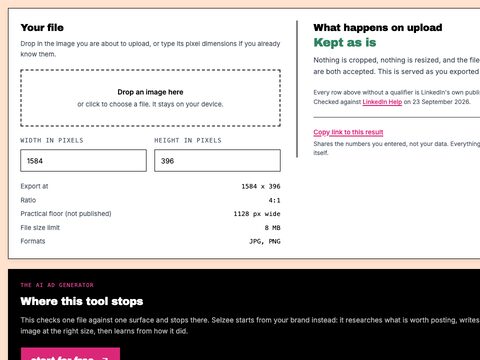
See the 4:1 crop, the 15 percent mobile cut and where your profile photo lands on your banner. Nothing is uploaded.
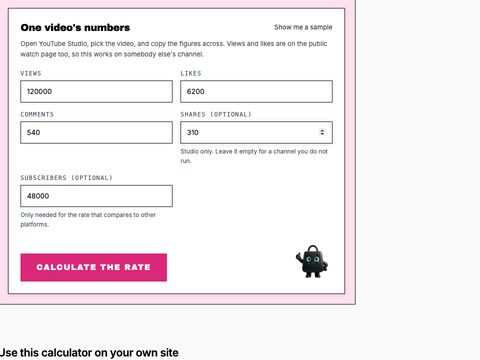
Calculate a YouTube engagement rate by views and by subscribers, with the interactions per 1,000 views and the comment share.

Turn one idea into 3 publishable posts for Instagram, TikTok, LinkedIn, Facebook or X, each with its angle, caption and hashtags. Free, no sign-up.
A banner is only the front door
Turn your comments, reviews and results into posts and ads worth clicking, in your brand. Free to start, no credit card.
Get started for free